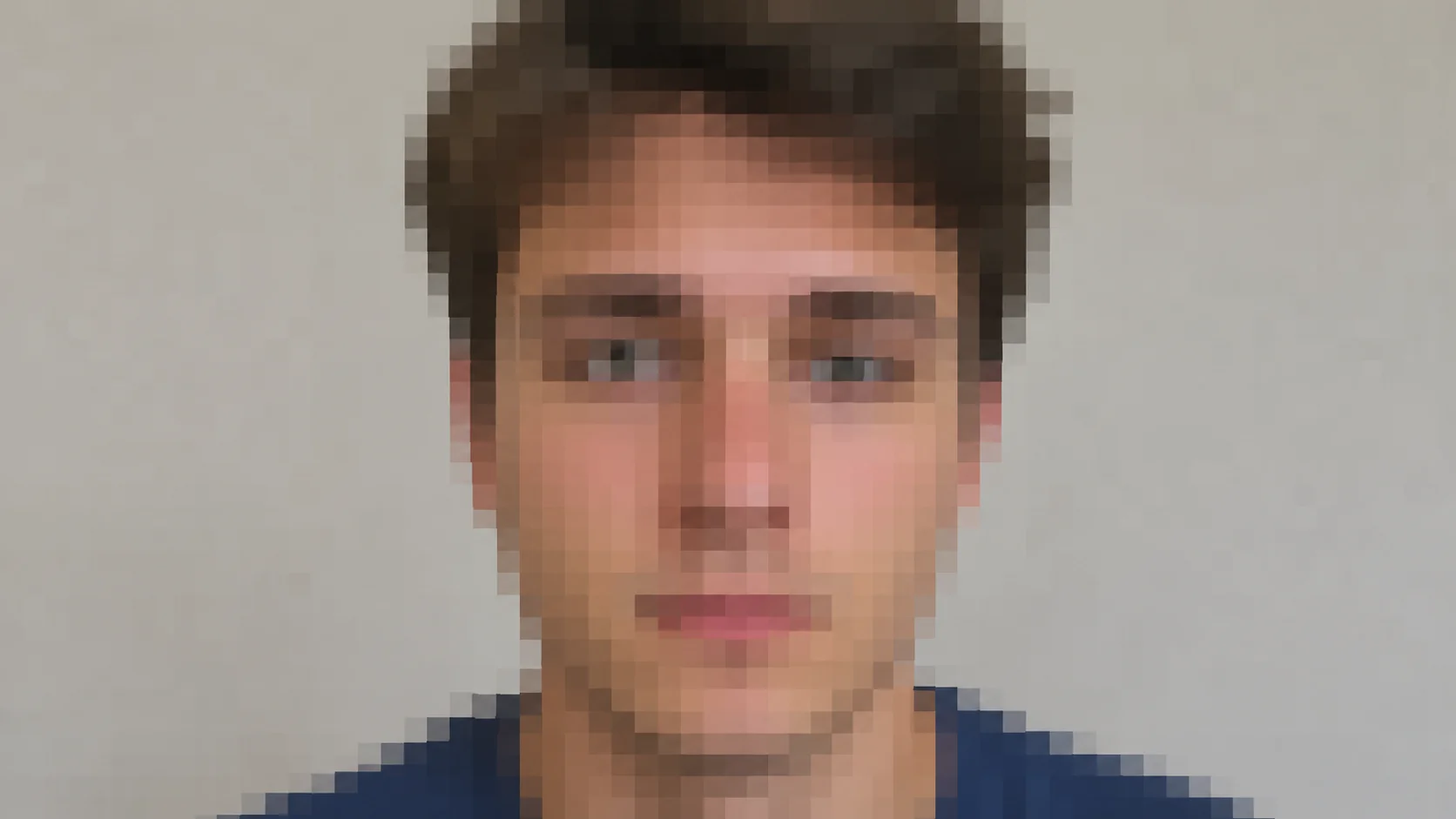
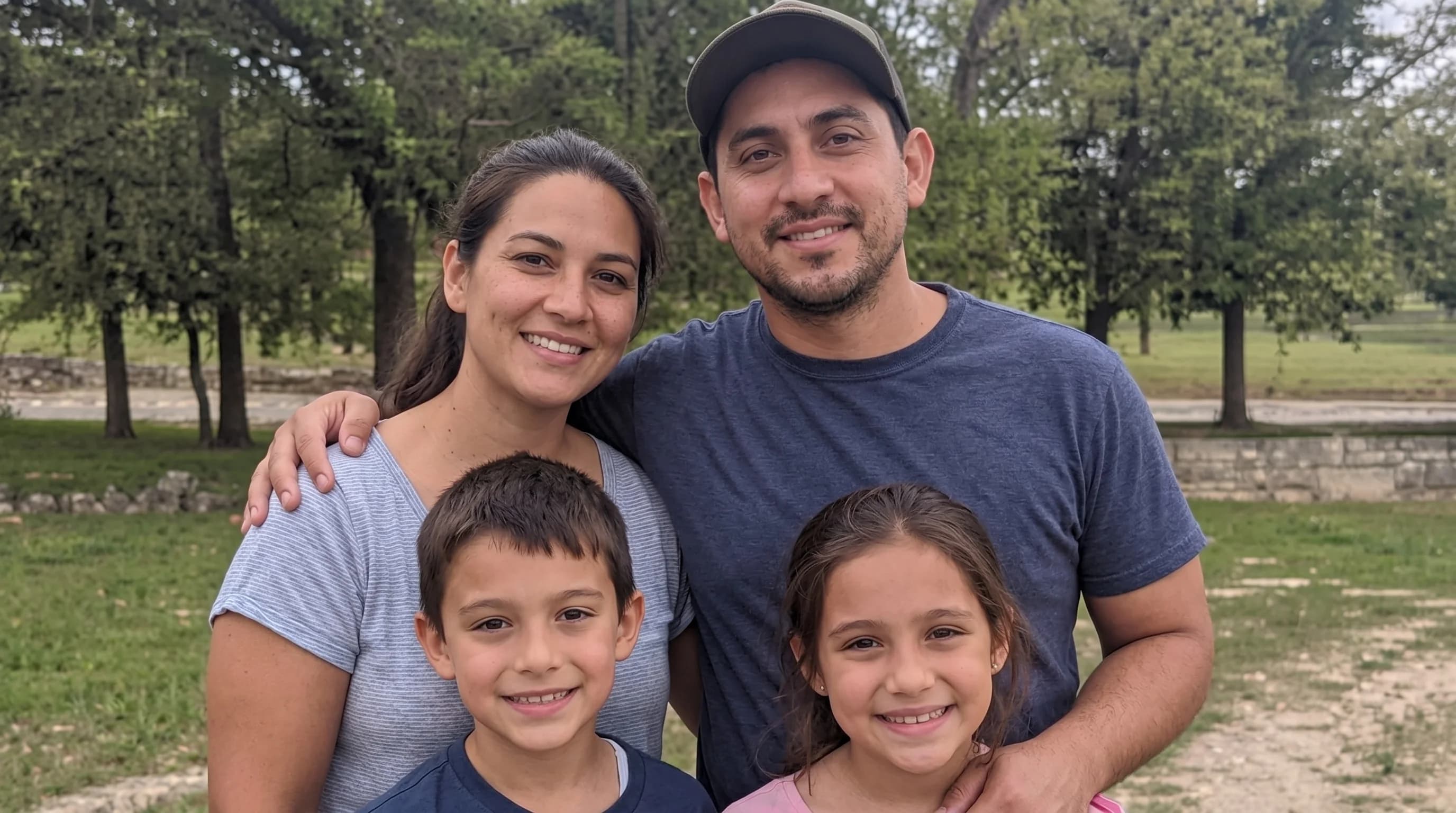
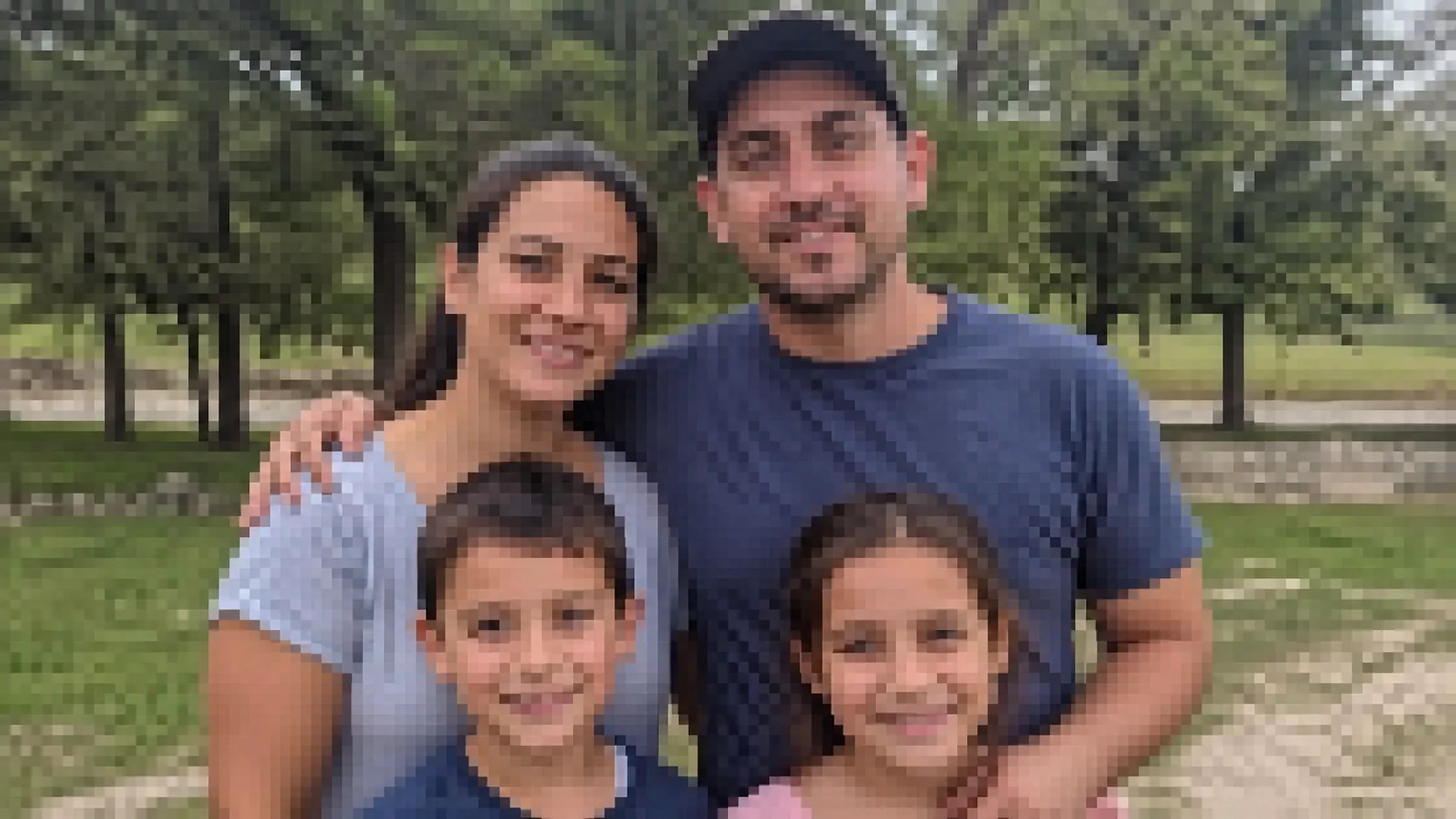
Unpixelate Image
Unpixelate heavily compressed images with a simple AI processing flow focused on cleaner edges and clearer subjects.
Before / After
Artifact Cleanup
Reduce visible pixel blocks and compression damage while keeping the upload flow direct.
Unpixelate heavily compressed images with a simple AI processing flow focused on cleaner edges and clearer subjects.
Targets blocky compression and pixel breakup while keeping the flow simple.
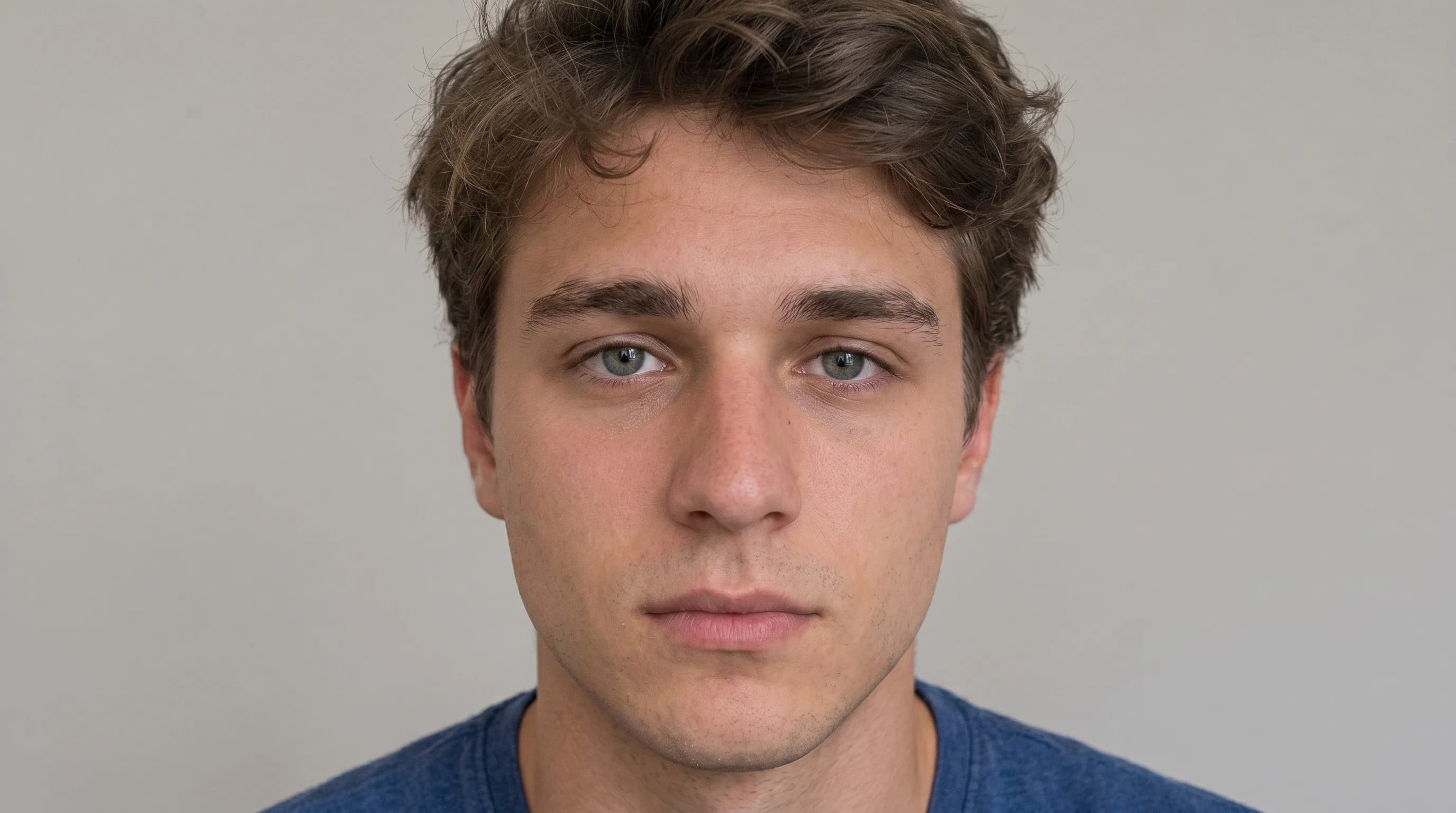
Shares the same studio shell as upscale and unblur so related fixes feel consistent.
Helpful for old web images, compressed screenshots, and tiny inherited assets.
Case studies
Unpixelate image examples that reduce blocks, breakup, and compression damage.
Social repost cleanup
Compressed social repost with heavy square artifacts around faces and text
Reduced visible blocks so the subject and edges felt cleaner without inventing unrelated detail.
Legacy web asset repair
Tiny inherited web image that needed less breakup before reuse
Smoothed compression damage and made the subject more readable at practical display sizes.
Compressed screenshot rebuild
Blocky screenshot where gradients and outlines had broken into visible pixel patches
Cleaned the compressed picture enough to make shapes, text regions, and contrast transitions clearer.
Unpixelate image
What this fix pixelated photo workflow is good at
An unpixelate image workflow is most helpful when visible compression blocks and broken gradients are making a picture hard to use. The goal is to fix pixelated photo files by smoothing block edges and clarifying subjects without pretending a tiny image contains unlimited hidden detail.
Clean compressed picture
How to improve pixelated images without making them mushy
If you need to clean compressed picture files, start before repeated export or chat-app compression whenever possible. A cleaner source lets the unpixelate image process reduce artifacts more naturally and helps the studio keep shapes, outlines, and faces looking more stable.
Restore photo FAQ
Questions people ask before they fix a pixelated photo.
These questions explain where pixel cleanup helps, and where a tiny source file still has hard limits.
Can it fix very small images?
It can improve blocky artifacts and harsh compression, but extreme tiny images still have quality limits.
Where does the actual processing happen?
The upload and processing happen in the shared studio, which keeps the workflow clean and reusable.
Related tools
Explore adjacent image workflows without changing the original upload.
Repair cracks, fading, stains, and fragile portrait detail inside one focused photo restoration workspace.
Bring monochrome images back with believable skin tones, fabric color, and scene balance.
Enlarge low-resolution photos while keeping edges, faces, and surface texture more stable.
Recover edge definition and facial clarity from soft or mildly blurry photos.
Recover shadow detail and rebalance muddy scans or dark captures inside one clean workbench.
Open more room around the subject and extend the frame inside the same studio workbench.