
Real examples
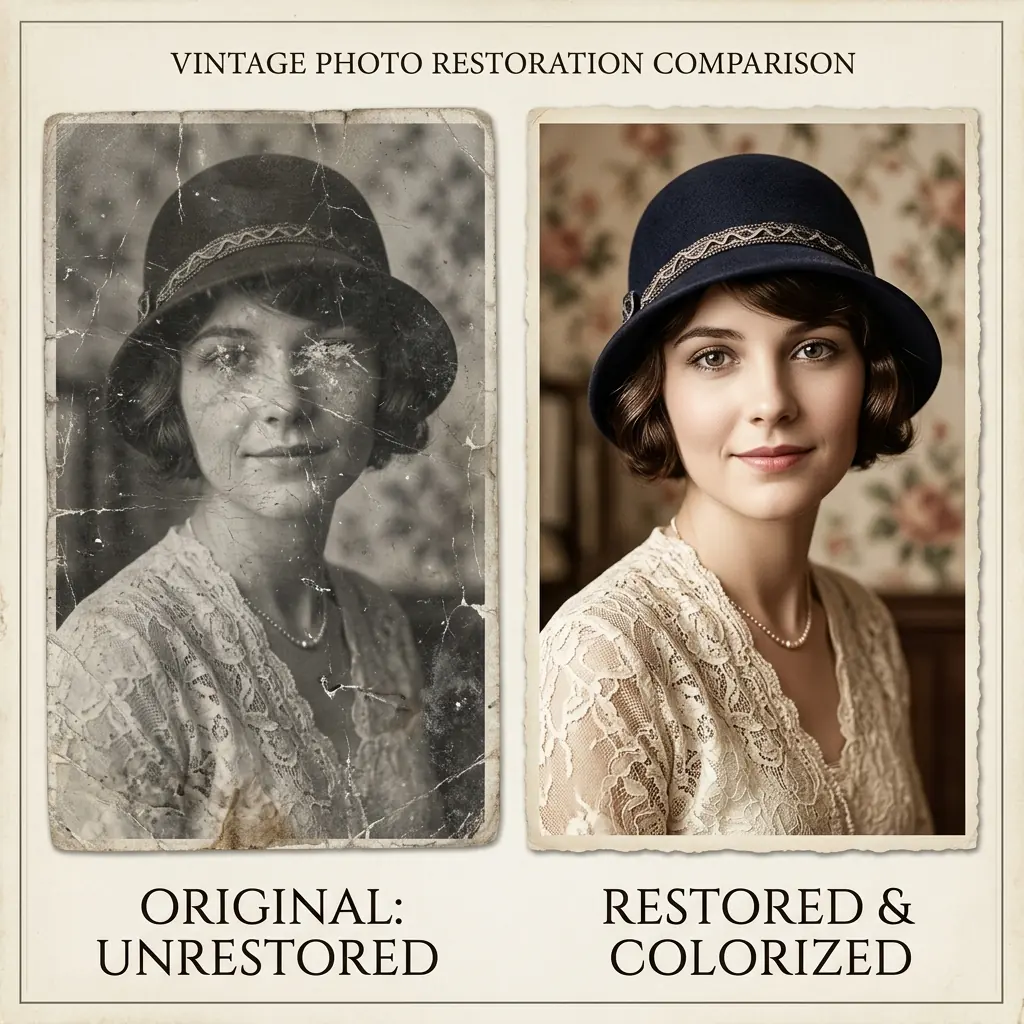
Old portrait restoration
Cracked studio portrait from an aging paper print
Restored facial detail, cleaned tears, and preserved the original paper mood.
Repair cracked old portraitsRecover faded printed photos
Upload a scan. Fix cracks, fading, stains, and lost facial detail in Studio.
Before and after
Preview the repair direction before you start.
This page stays short. Studio handles upload, preview, repair, and export.
Real examples
Three steps from scan to restored photo.
Real examples
Old portrait restoration
Restored facial detail, cleaned tears, and preserved the original paper mood.
Real examples
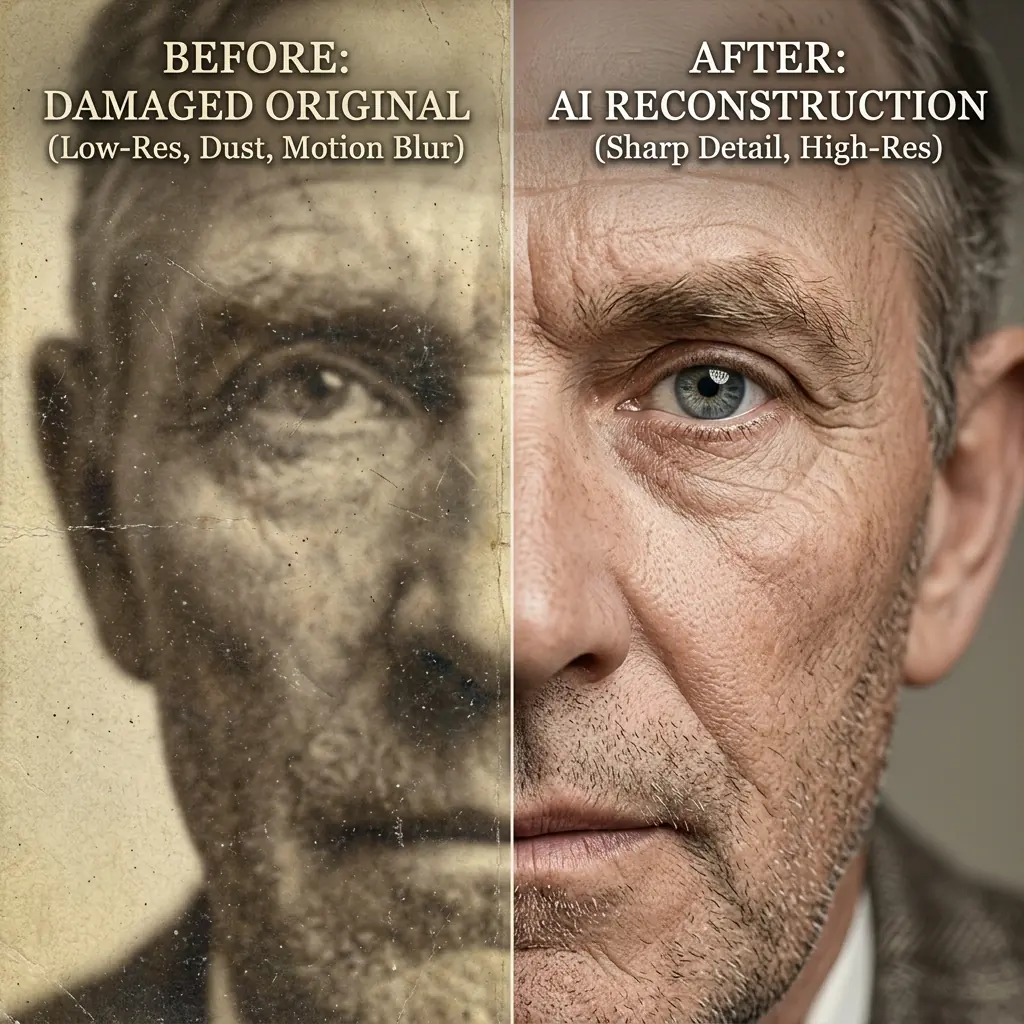
Faded photo repair
Recovered tonal separation without making the photo look artificially modern.
Real examples
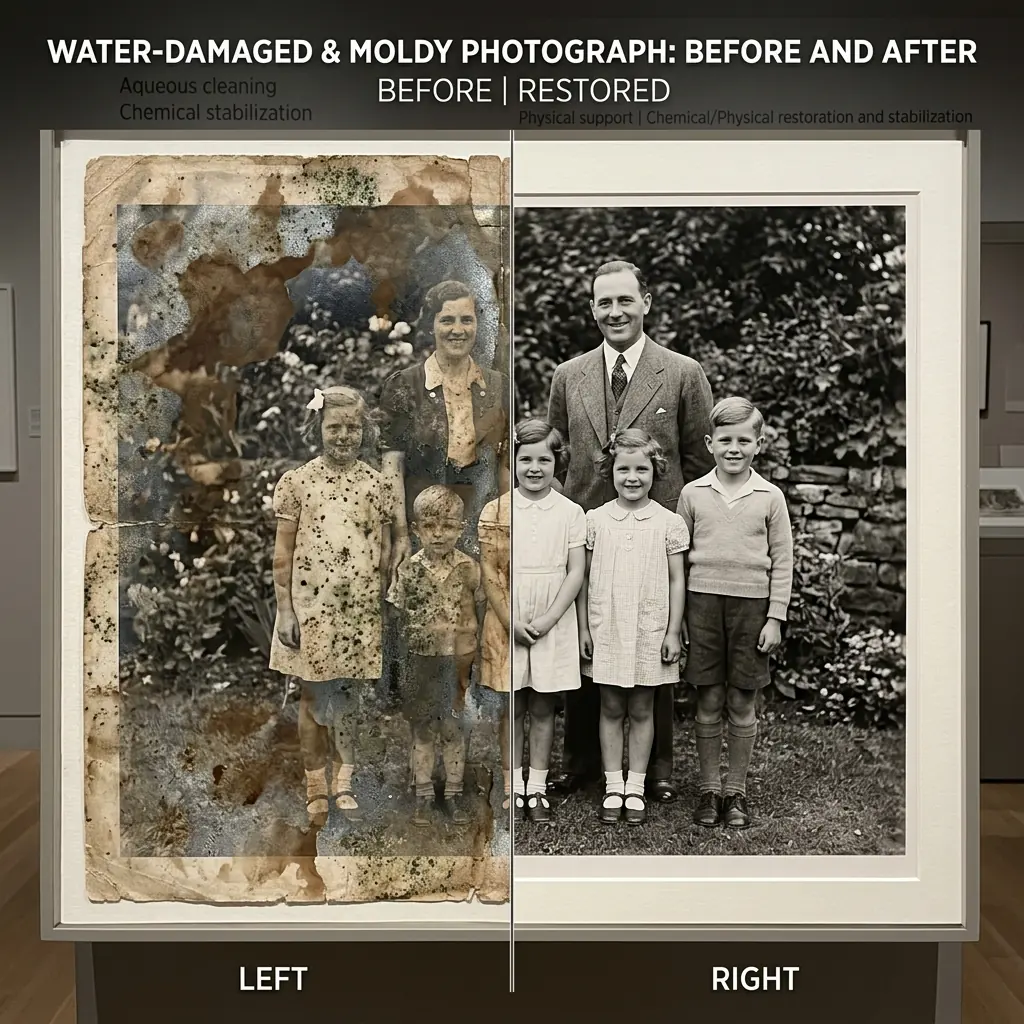
Damaged photo rebuild
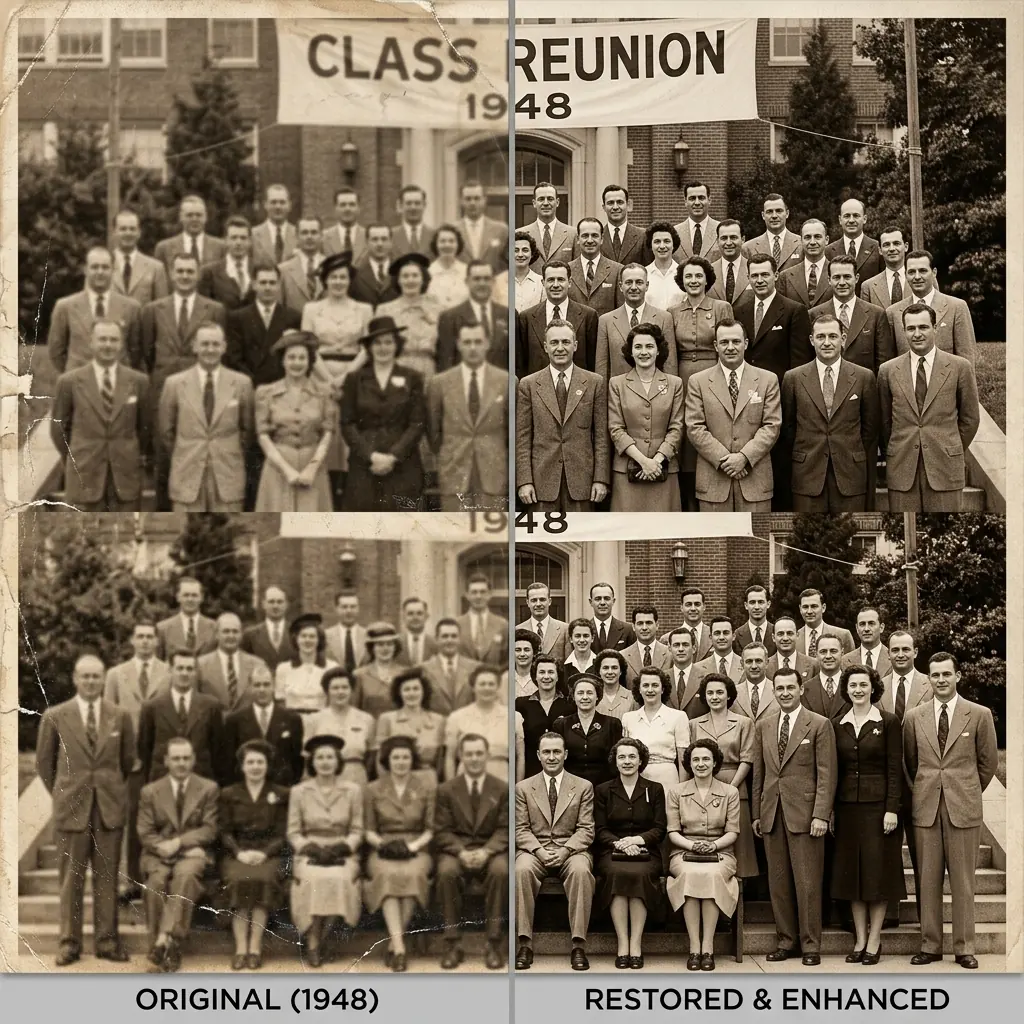
Improved clarity and structure while keeping the result believable for reprint.
How it works
01
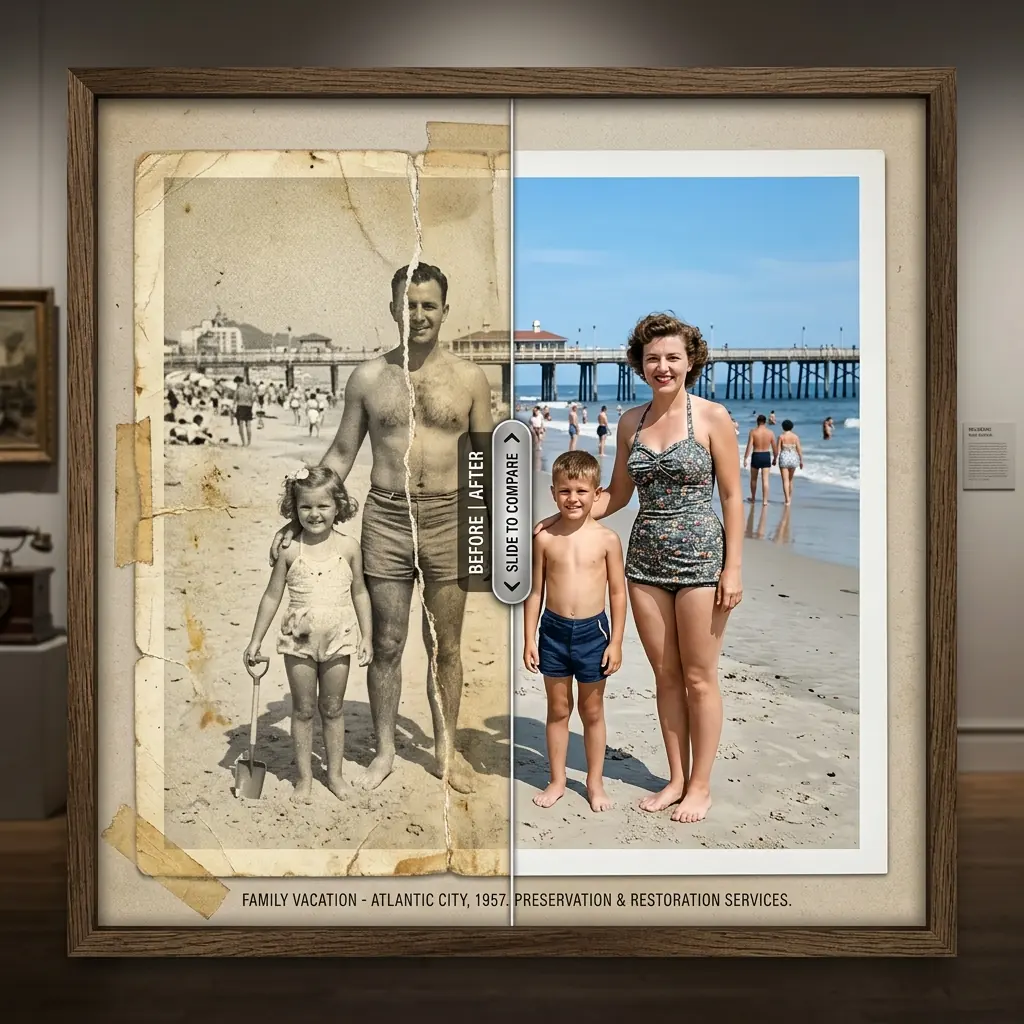
Start with a scan or clear phone capture of the printed photo.
How it works
02
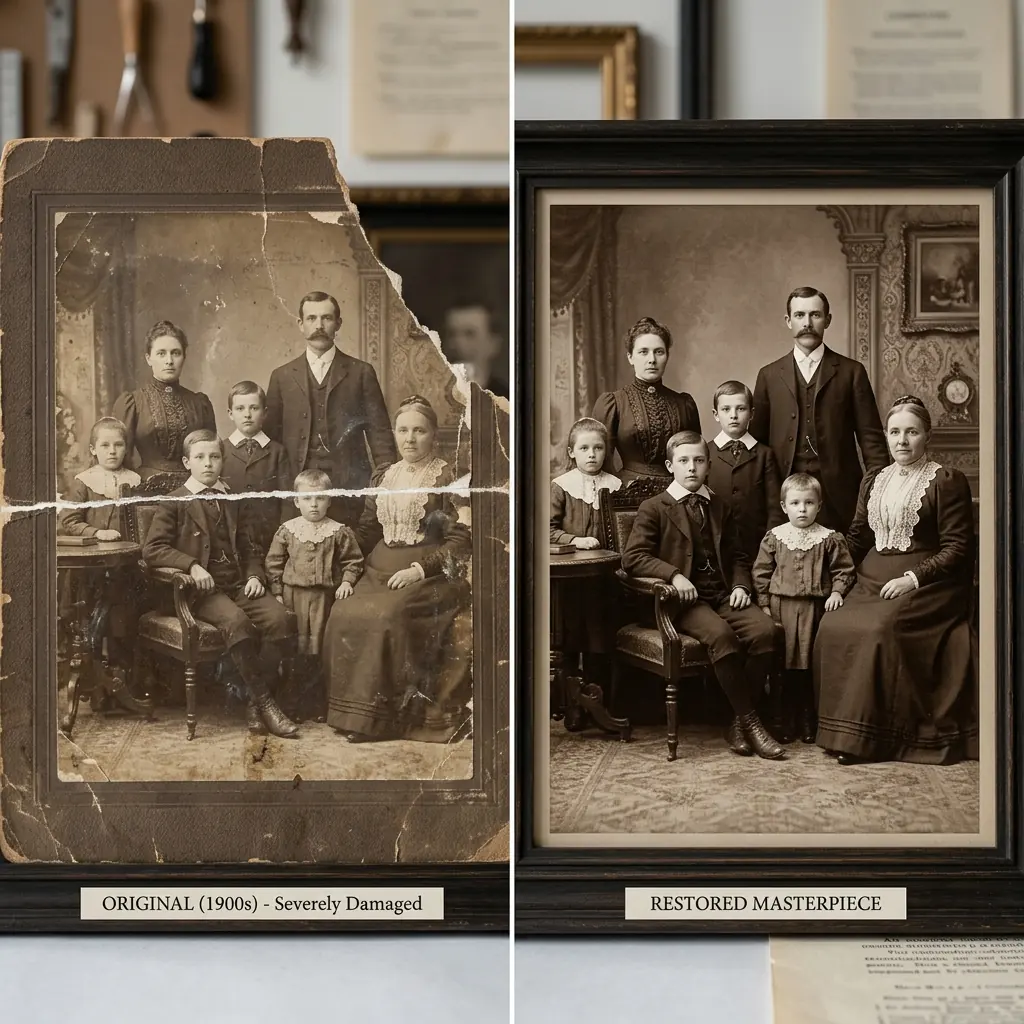
Check the before and after treatment before you process the image.
How it works
03
Run the actual restoration, compare results, and download when the image looks right.
Archive Recovery
This page shows the workflow. Studio handles the actual upload, repair, and export.