
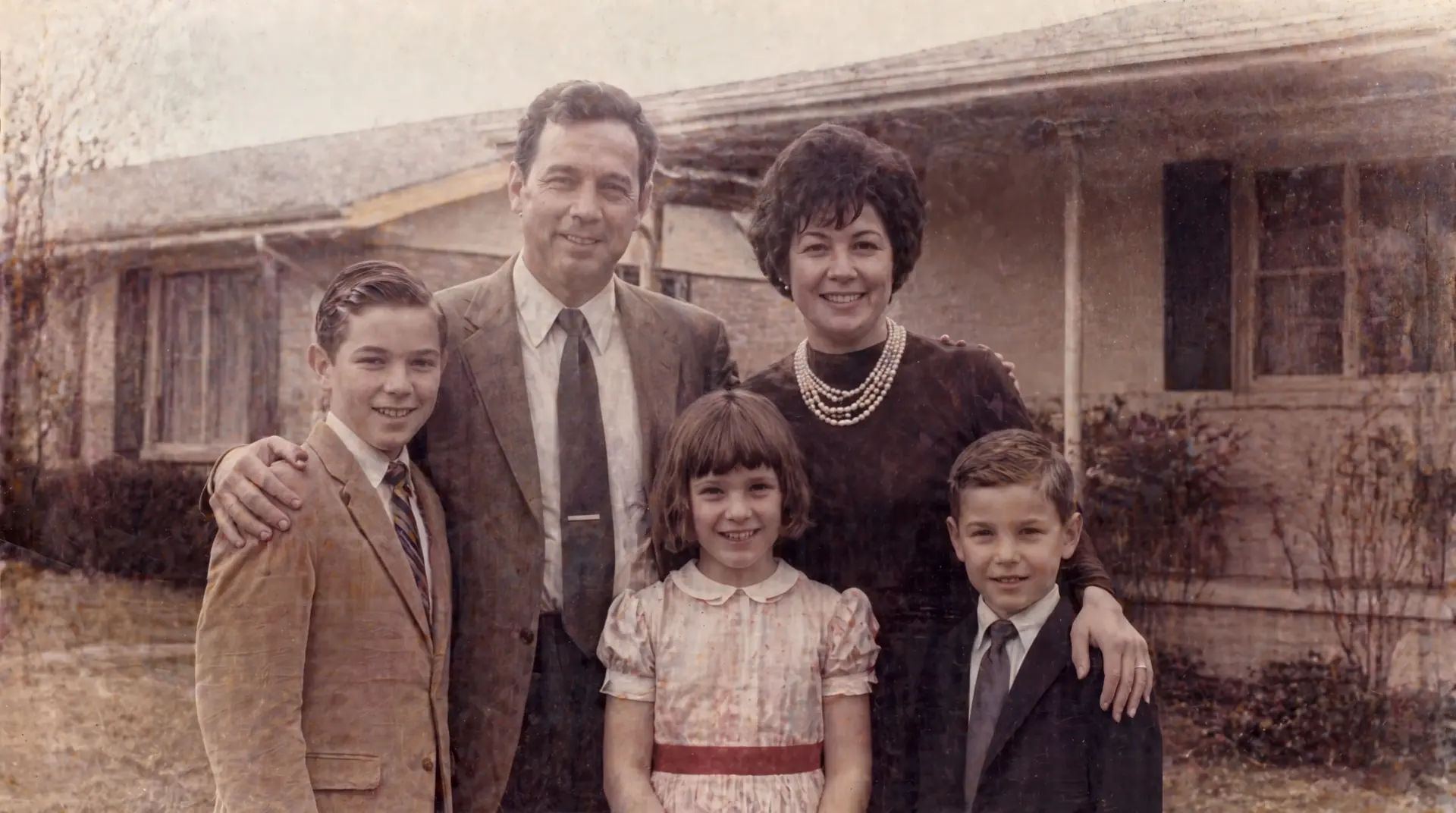
Archive Recovery
Old Photo Restoration
Restore old and damaged photos with a dedicated AI workflow for cracks, fading, scratches, stains, and soft detail.
Open tool
Browse every FixMyPhoto workflow in one place. Start with the tool that matches the actual problem instead of forcing every image through the same path.
Restore old and damaged photos with a dedicated AI workflow for cracks, fading, scratches, stains, and soft detail.
Open tool
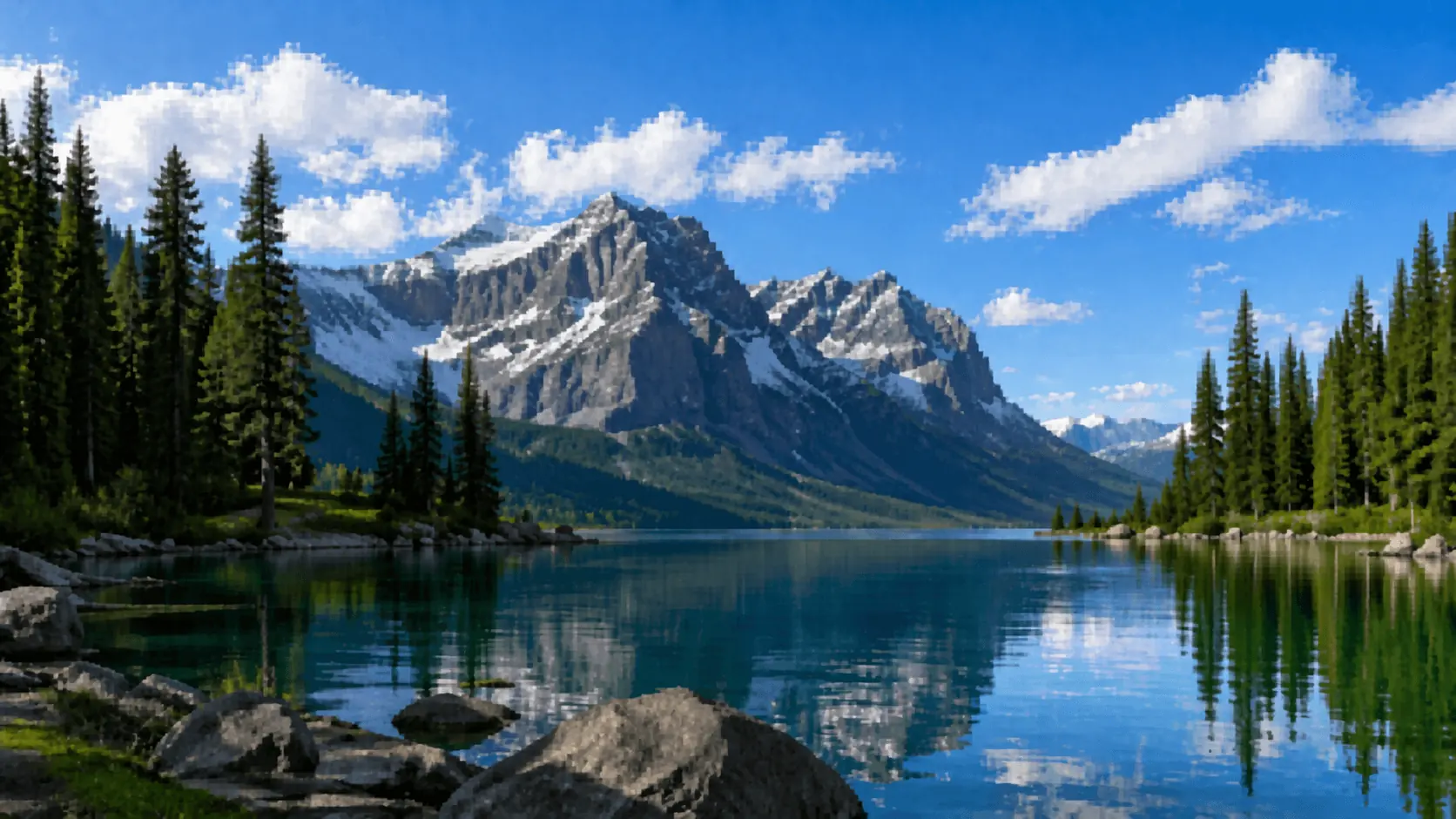
Colorize black-and-white photos with natural tones, controlled contrast, and a studio flow that stays simple.
Open tool
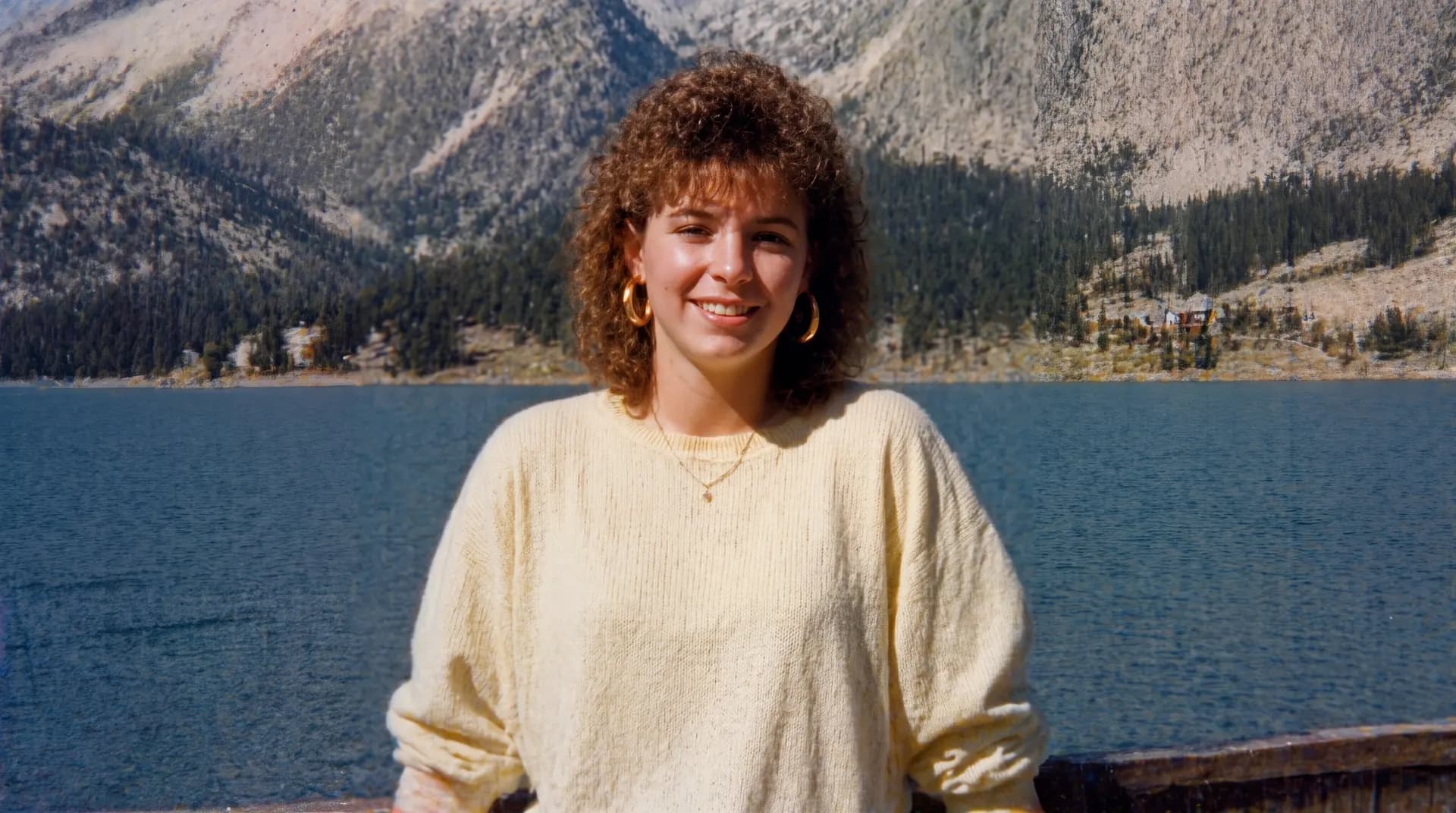
Increase image resolution with a cleaner upscale workflow built for soft scans, portraits, and detail recovery.
Open tool
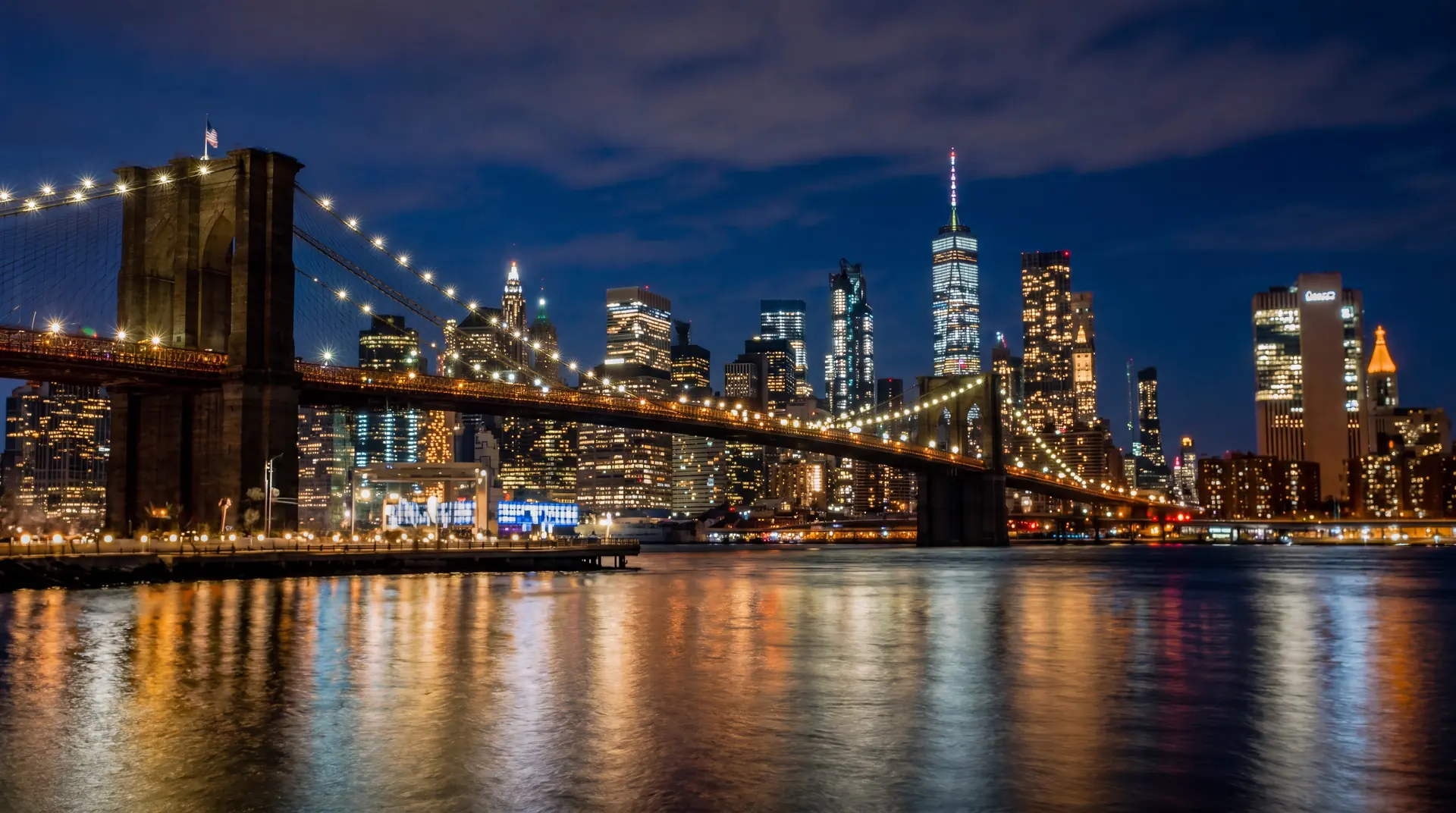
Unblur soft or shaky photos with a simple AI processing flow built for portraits, scans, and everyday fixes.
Open tool
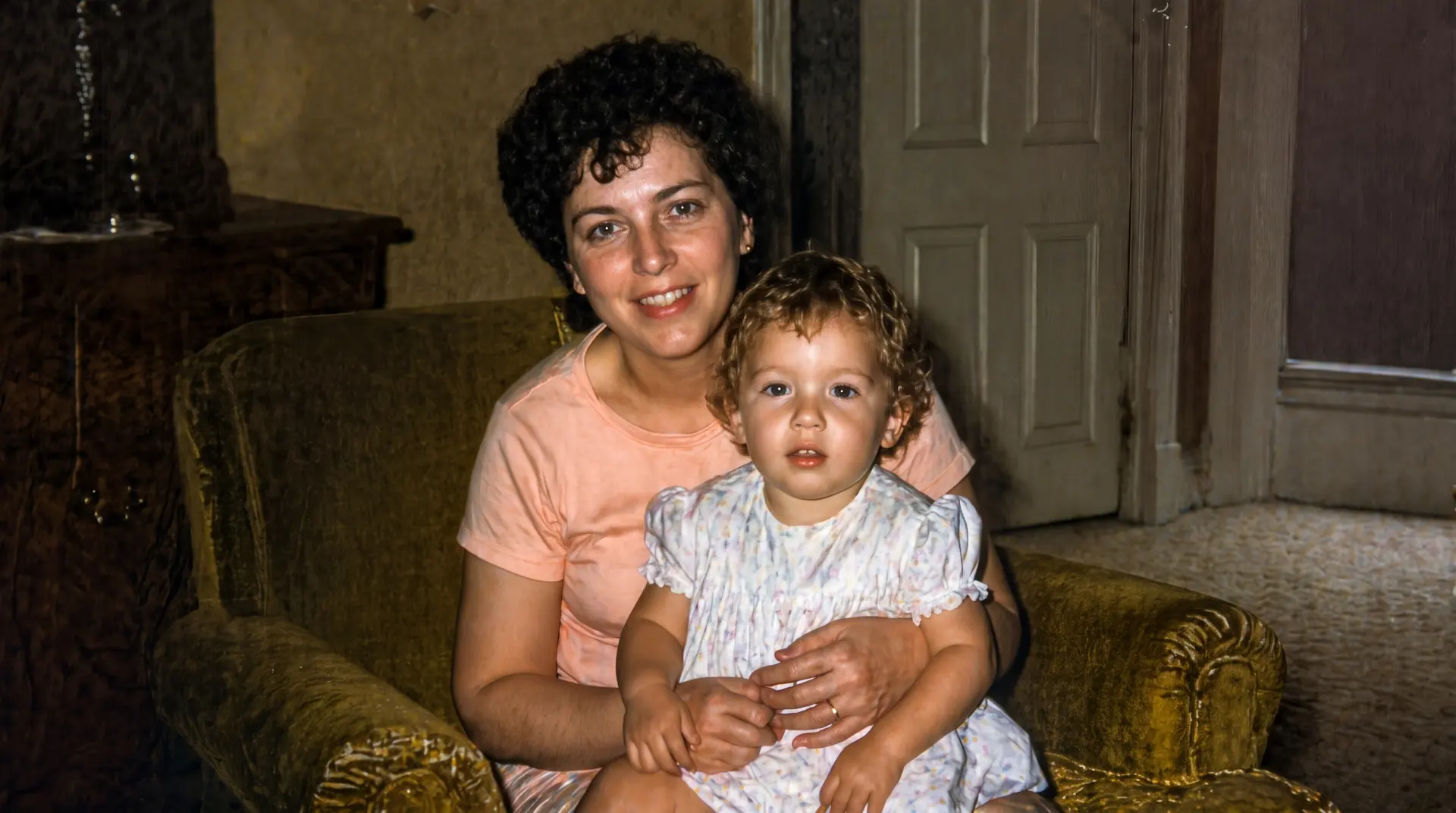
Brighten dark or underexposed images with a clean AI workflow focused on tonal recovery and readable detail.
Open tool
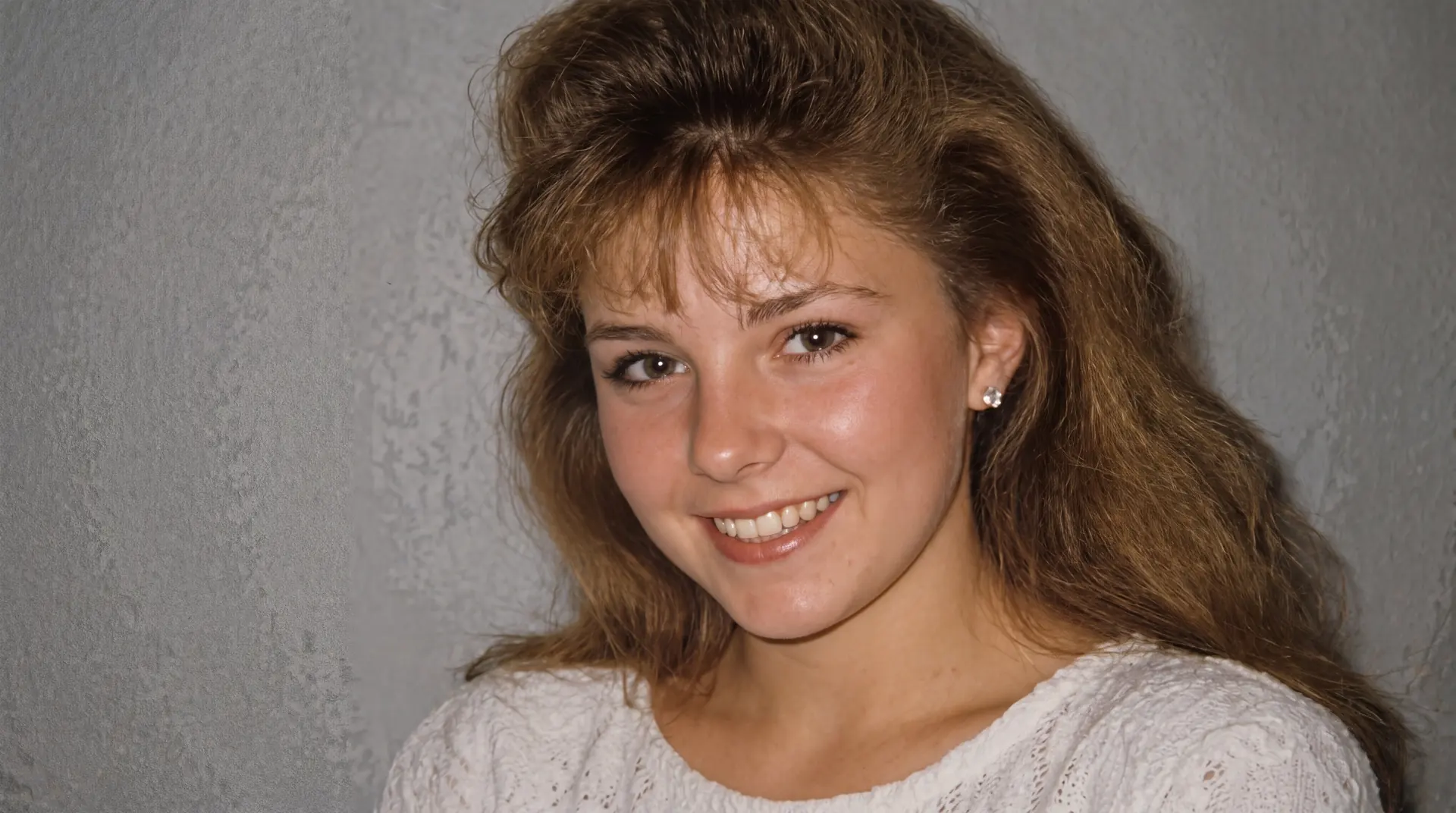
Unpixelate heavily compressed images with a simple AI processing flow focused on cleaner edges and clearer subjects.
Open tool
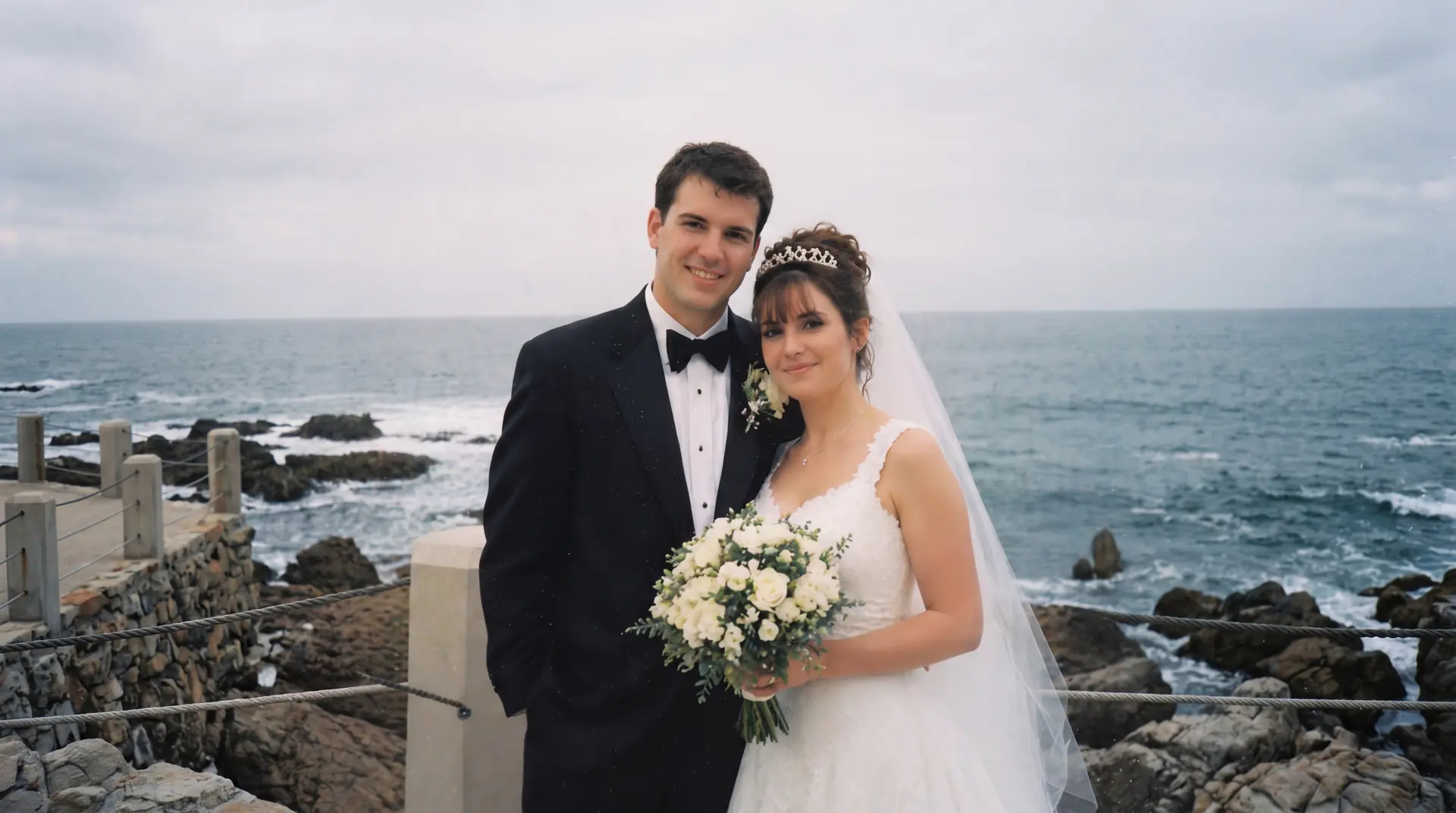
Extend uploaded image borders with a clean AI studio workflow for portraits, background edges, and wider composition.
Open tool
Questions
Use this page to decide whether you need restoration, color, sharpness, resolution, cleanup, brightness, or edge extension.
Start with the tool that matches the main failure in the image. Use restoration for cracks and age damage, colorize for black-and-white photos, upscale for low resolution, unblur for soft focus, brighten for dark exposure, unpixelate for compression damage, and extender when the frame feels too tight.
Yes. The landing pages help you choose the right workflow, while the shared studio keeps upload, preview, and processing consistent once you are ready to work on the image.