Colorize Photo
Colorize black-and-white photos with natural tones, controlled contrast, and a studio flow that stays simple.
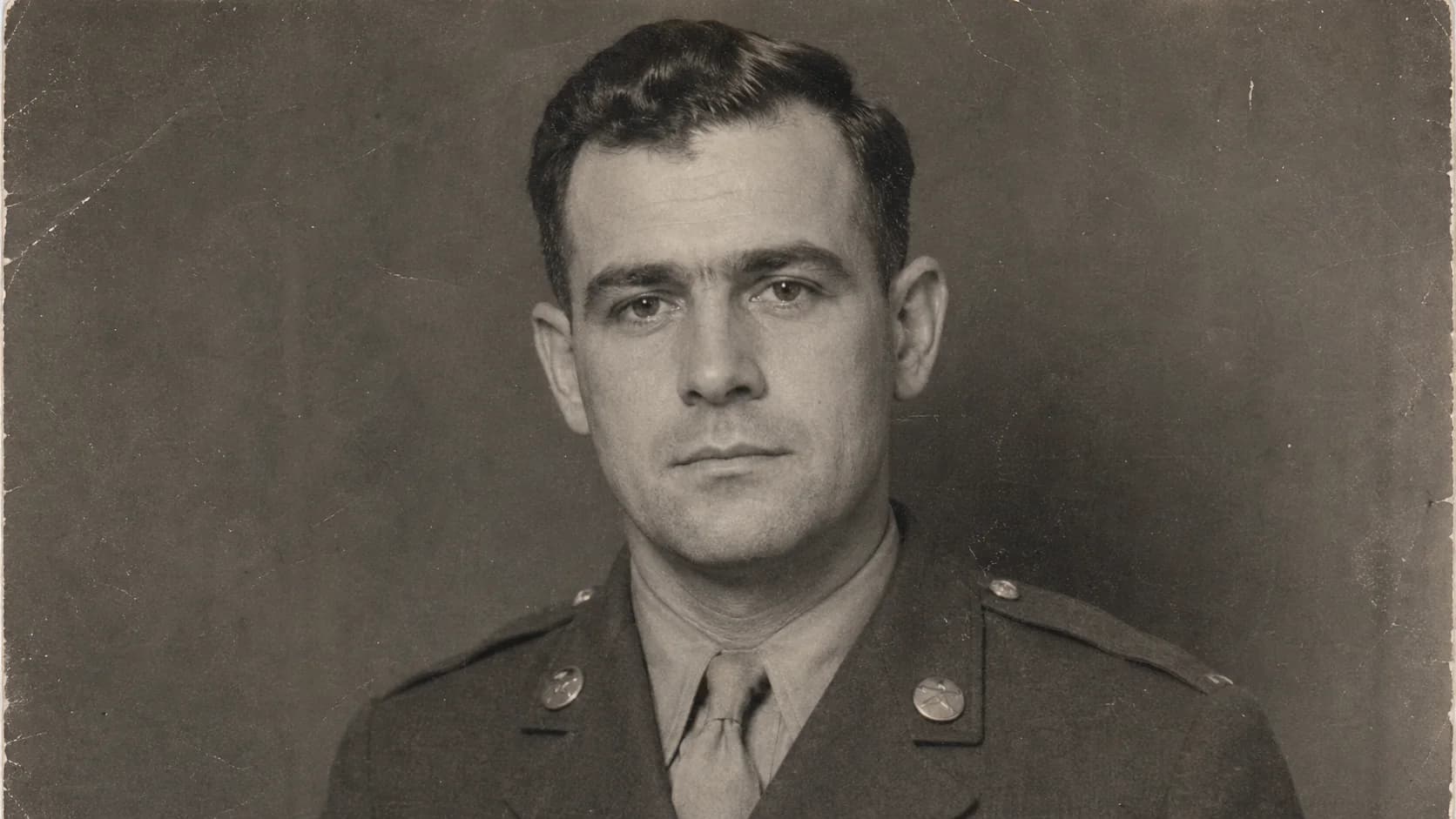
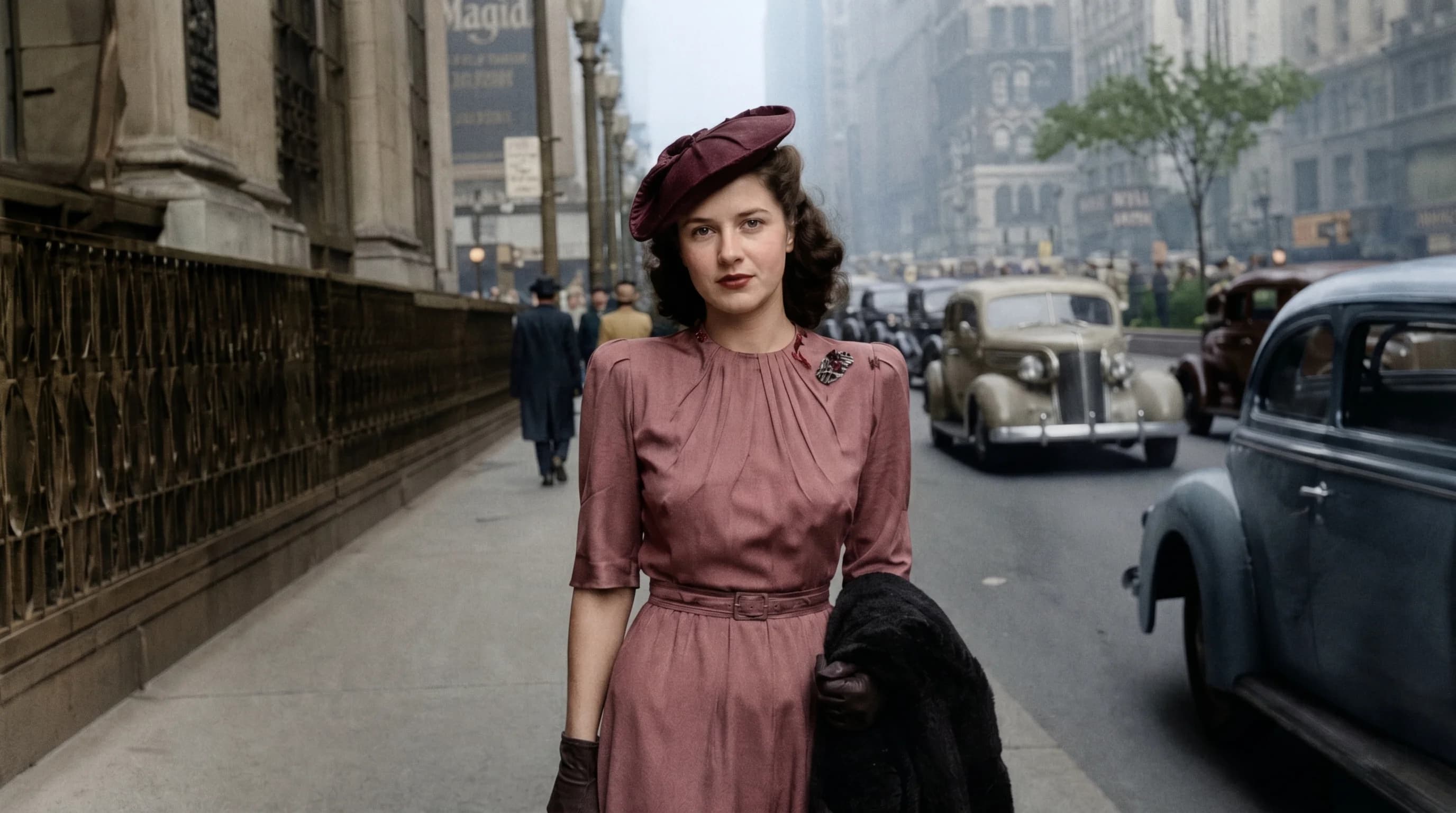
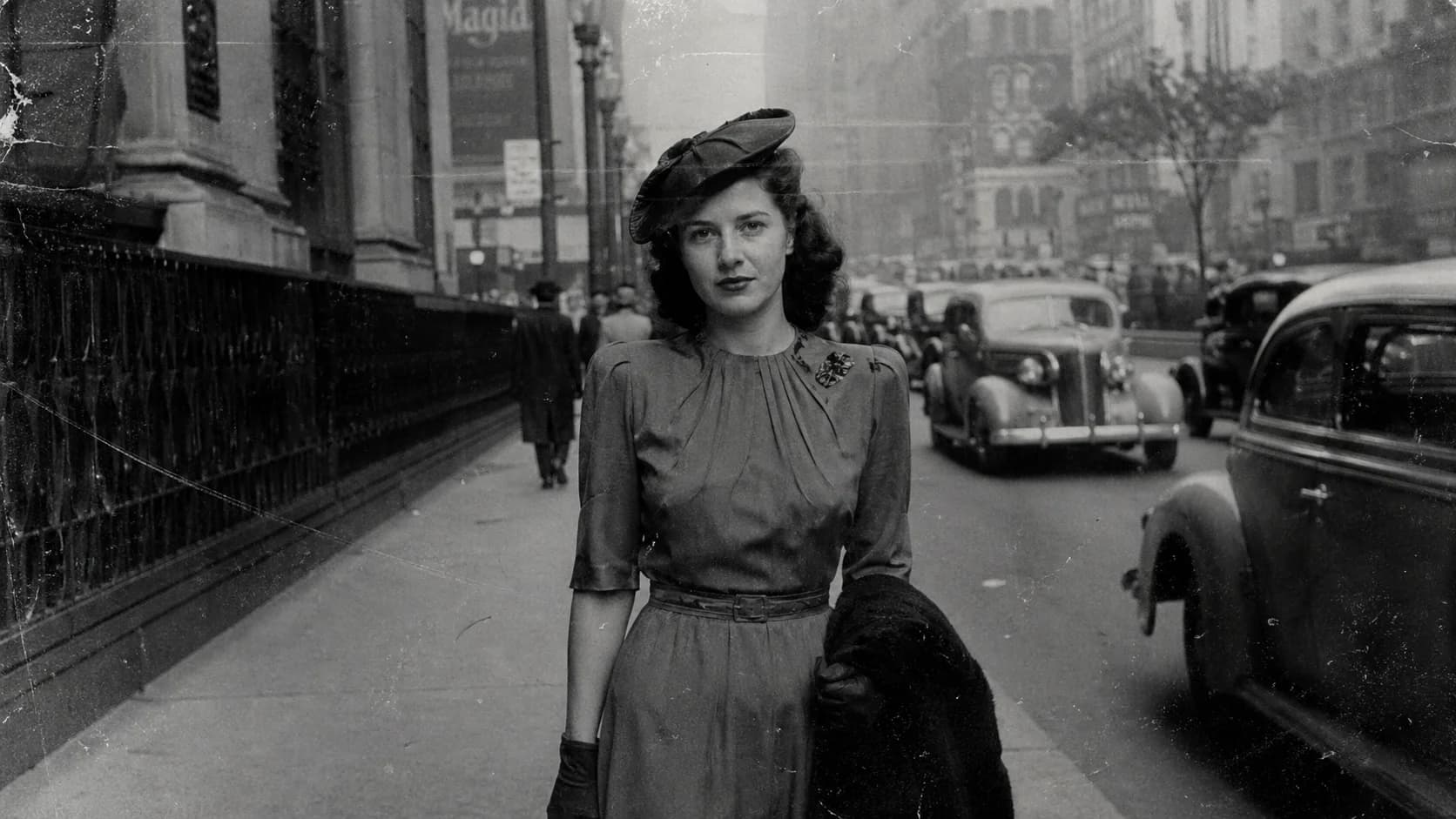
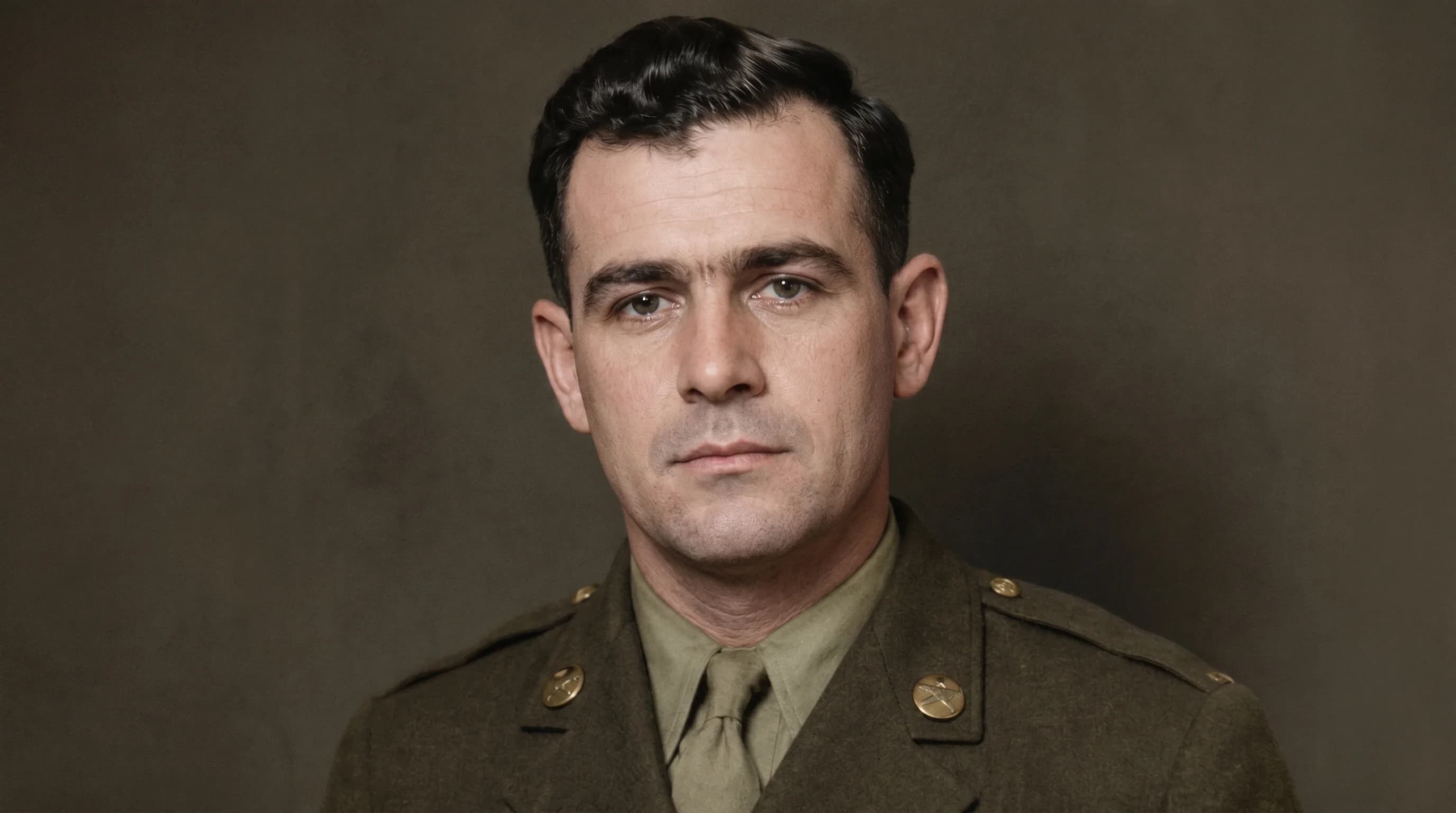
Before / After
Preview believable archival colorization


Tone Recovery
Bring monochrome images back with believable skin tones, fabric color, and scene balance.
Colorize black-and-white photos with natural tones, controlled contrast, and a studio flow that stays simple.
Adds believable color guidance instead of oversaturated filter-style output.
Keeps the same simple upload and preview flow as the rest of the studio.
Works well for portraits, street scenes, and historical family albums.
Case studies
Colorize photo examples that keep skin, fabric, and scene balance believable.
Family portrait colorization
Black-and-white family portrait with flat skin and clothing tones
Added believable color separation while keeping the original studio mood intact.
Street scene tone rebuild
Historic street photo with weak grayscale contrast and soft sky detail
Recovered natural scene balance without making storefronts or pavement look synthetic.
Wedding scan color pass
Monochrome wedding scan that needed subtle skin, fabric, and flower color cues
Brought back gentle color variation while keeping the scan grounded in its original era.
Colorize photo
What makes colorized photos look believable
A colorize photo workflow works best when the scan still has readable light and shadow separation. A strong black and white photo colorizer should rebuild skin, fabric, foliage, and background cues without forcing every image into the same warm filter look.
Colorize old photos
How to get better black-and-white photo colorizer results
If you want to colorize old photos, start with flatbed scans or evenly lit phone captures. Cleaner inputs help the colorize photo process preserve face structure, clothing texture, and period atmosphere while the studio keeps the actual upload and processing flow focused.
Restore photo FAQ
Questions people ask before they colorize a photo.
Use these questions to decide whether the scan is ready for color and whether the studio flow fits the photo.
Is this page only for SEO?
Yes. The page is written for discovery, but the actual upload and processing happens in the shared studio.
When should I use colorize instead of restore?
It is tuned for monochrome images and faded scans that need natural-looking color, not aggressive stylization.
Related tools
Explore adjacent image workflows without changing the original upload.
Repair cracks, fading, stains, and fragile portrait detail inside one focused photo restoration workspace.
Enlarge low-resolution photos while keeping edges, faces, and surface texture more stable.
Recover edge definition and facial clarity from soft or mildly blurry photos.
Recover shadow detail and rebalance muddy scans or dark captures inside one clean workbench.
Reduce visible pixel blocks and compression damage while keeping the upload flow direct.
Open more room around the subject and extend the frame inside the same studio workbench.