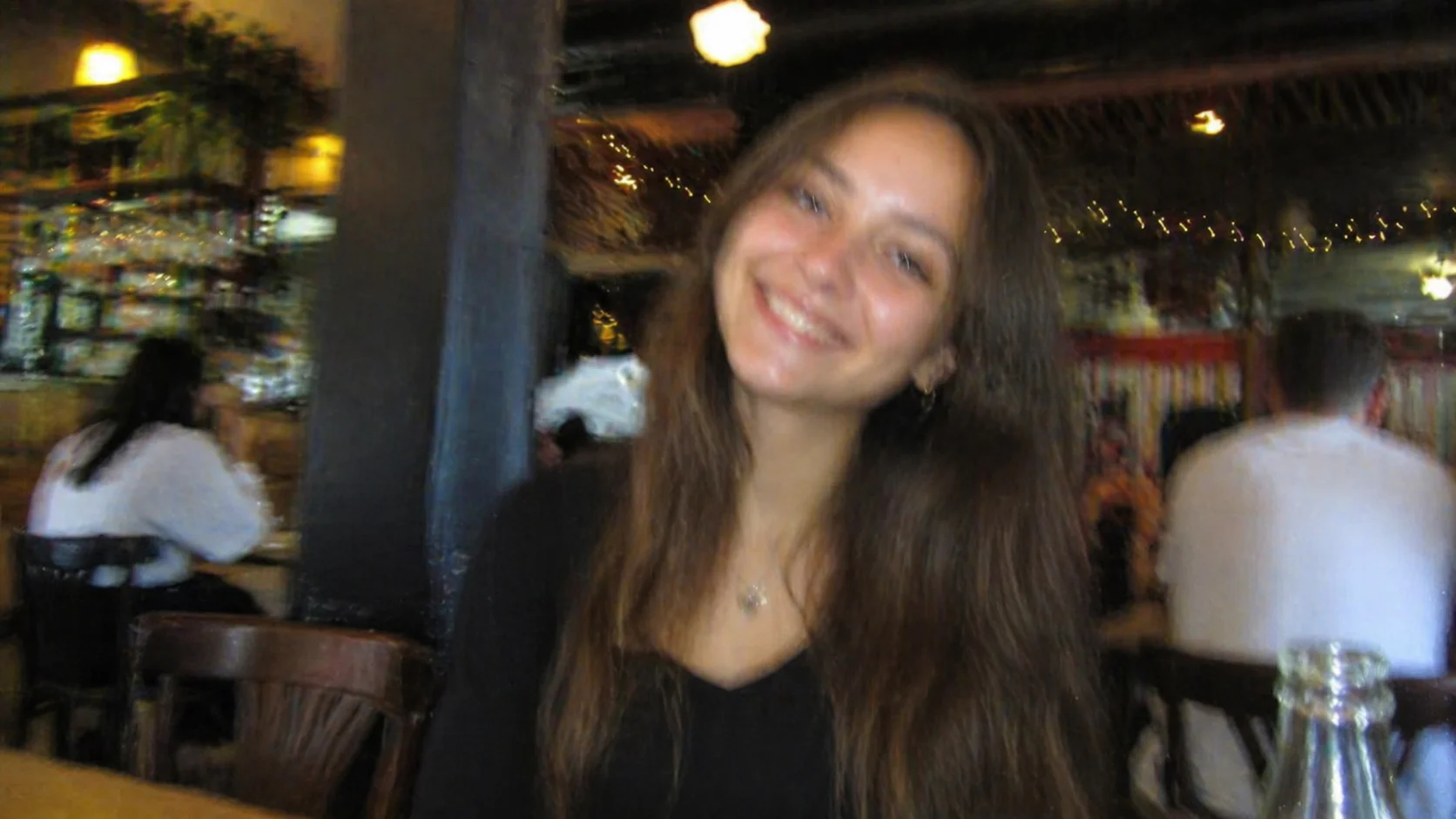
Unblur Image
Unblur soft or shaky photos with a simple AI processing flow built for portraits, scans, and everyday fixes.
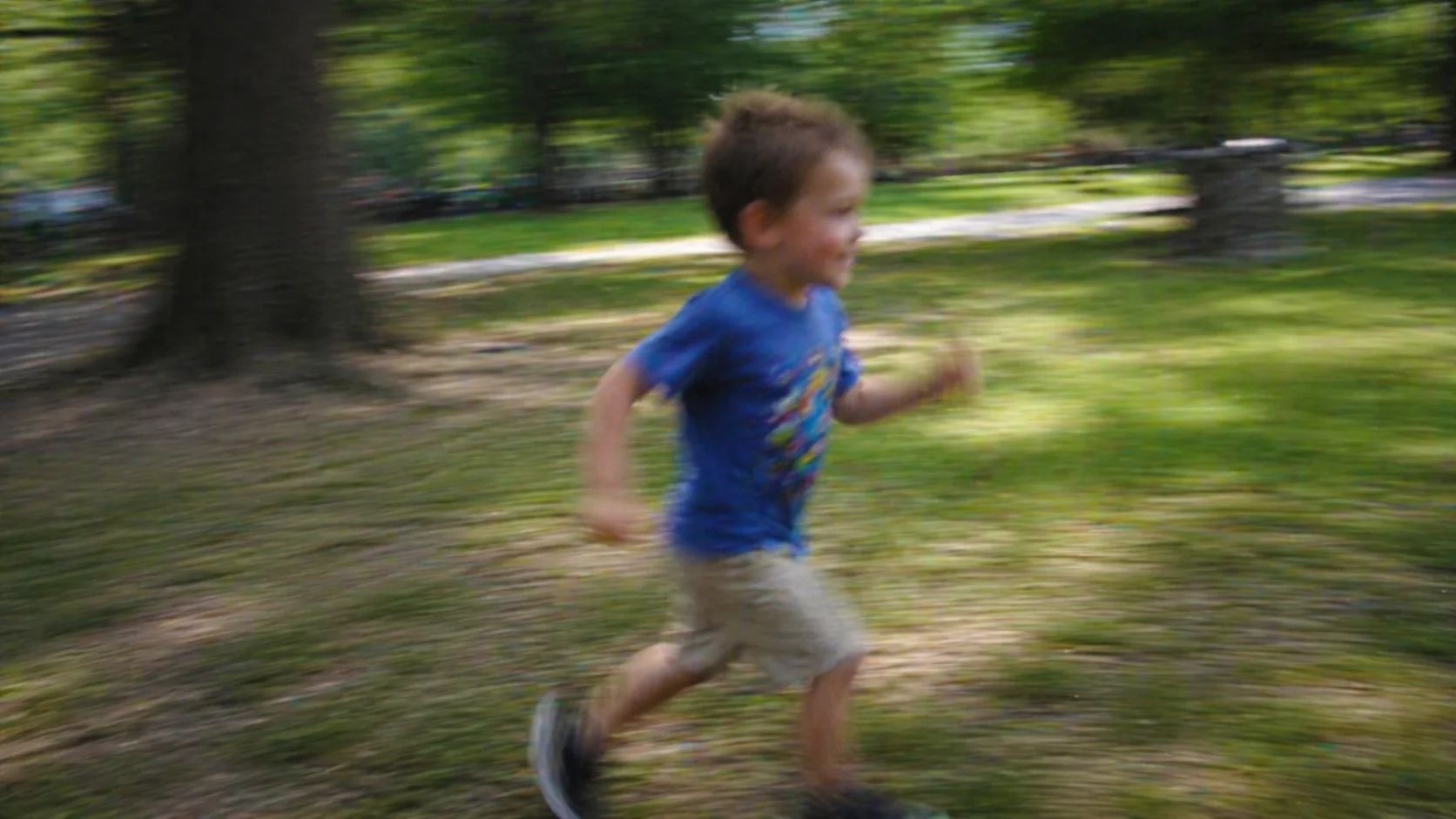
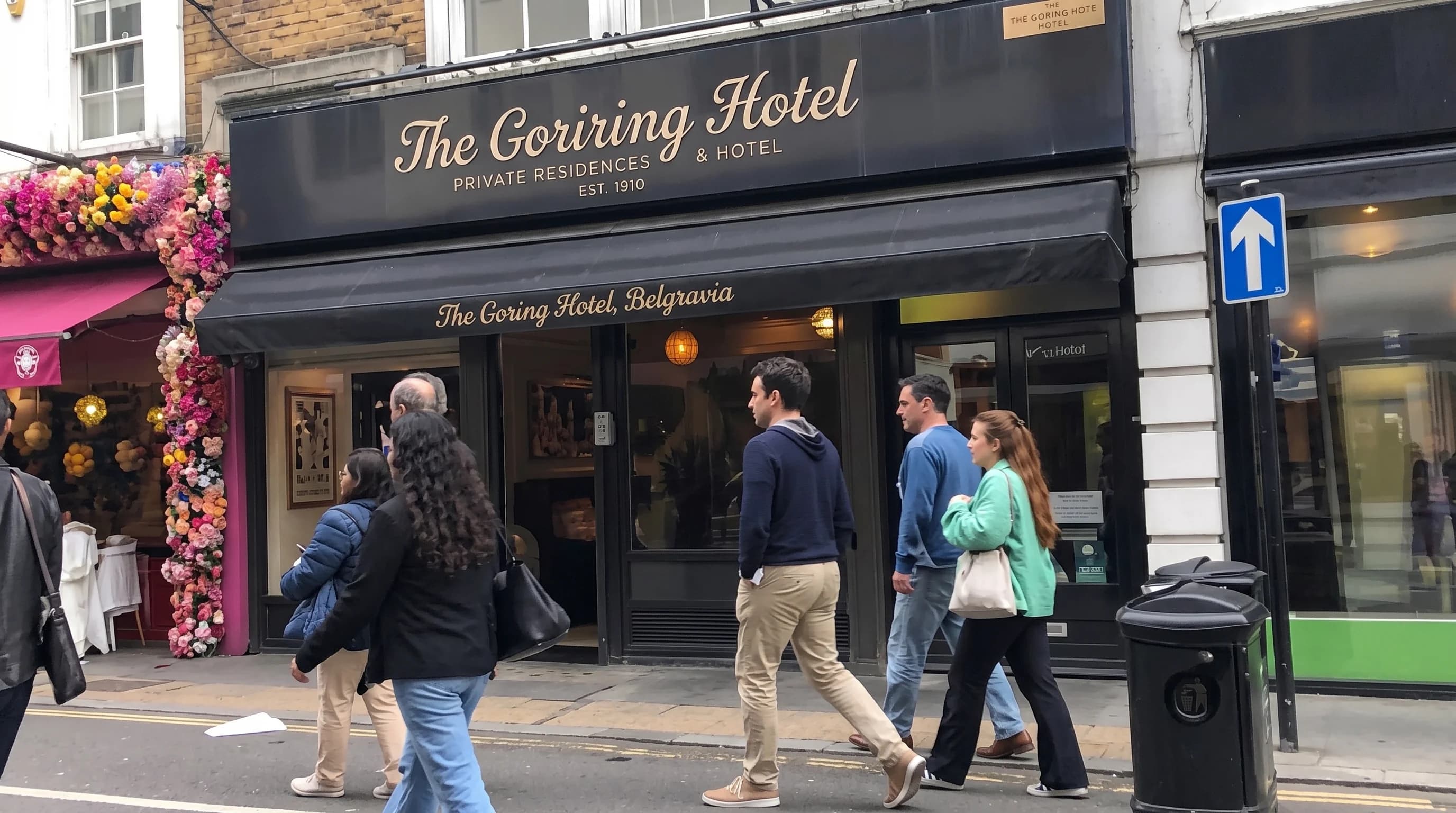
Before / After


Focus Repair
Recover edge definition and facial clarity from soft or mildly blurry photos.
Unblur soft or shaky photos with a simple AI processing flow built for portraits, scans, and everyday fixes.
Reduces motion blur and soft focus without forcing a brittle oversharpened look.
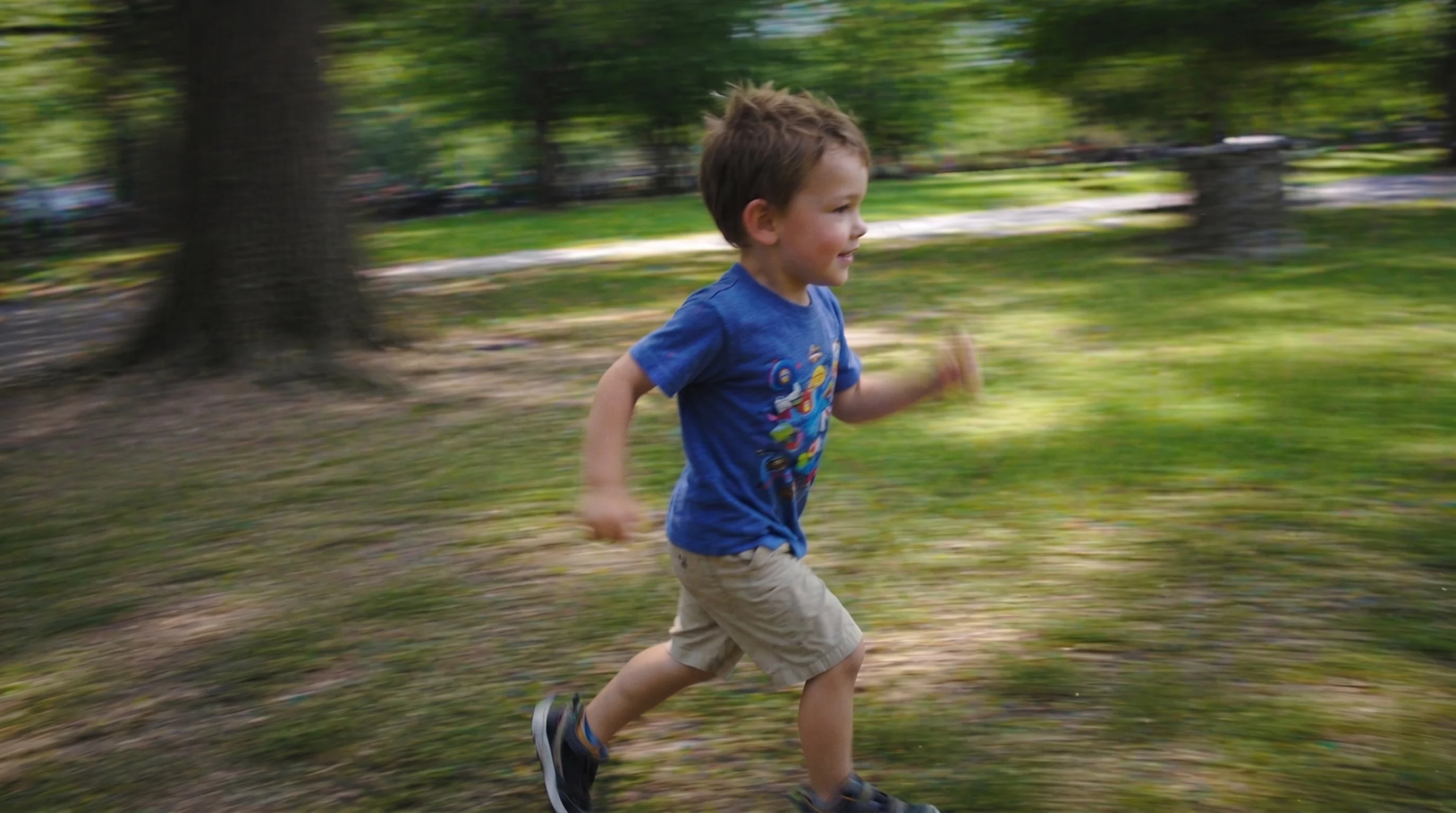
Lets users compare before and after inside the same processing shell.
Best for slightly missed focus, shaky handheld captures, and soft legacy scans.
Case studies
Unblur image examples that recover clarity without harsh oversharpening.
Portrait blur cleanup
Family portrait with mild handheld shake and soft eye detail
Recovered cleaner facial definition while keeping skin texture and lighting natural.
Printed photo recapture fix
Phone photo of a printed picture that lost edge definition during capture
Improved subject clarity without pushing the result into crunchy oversharpening.
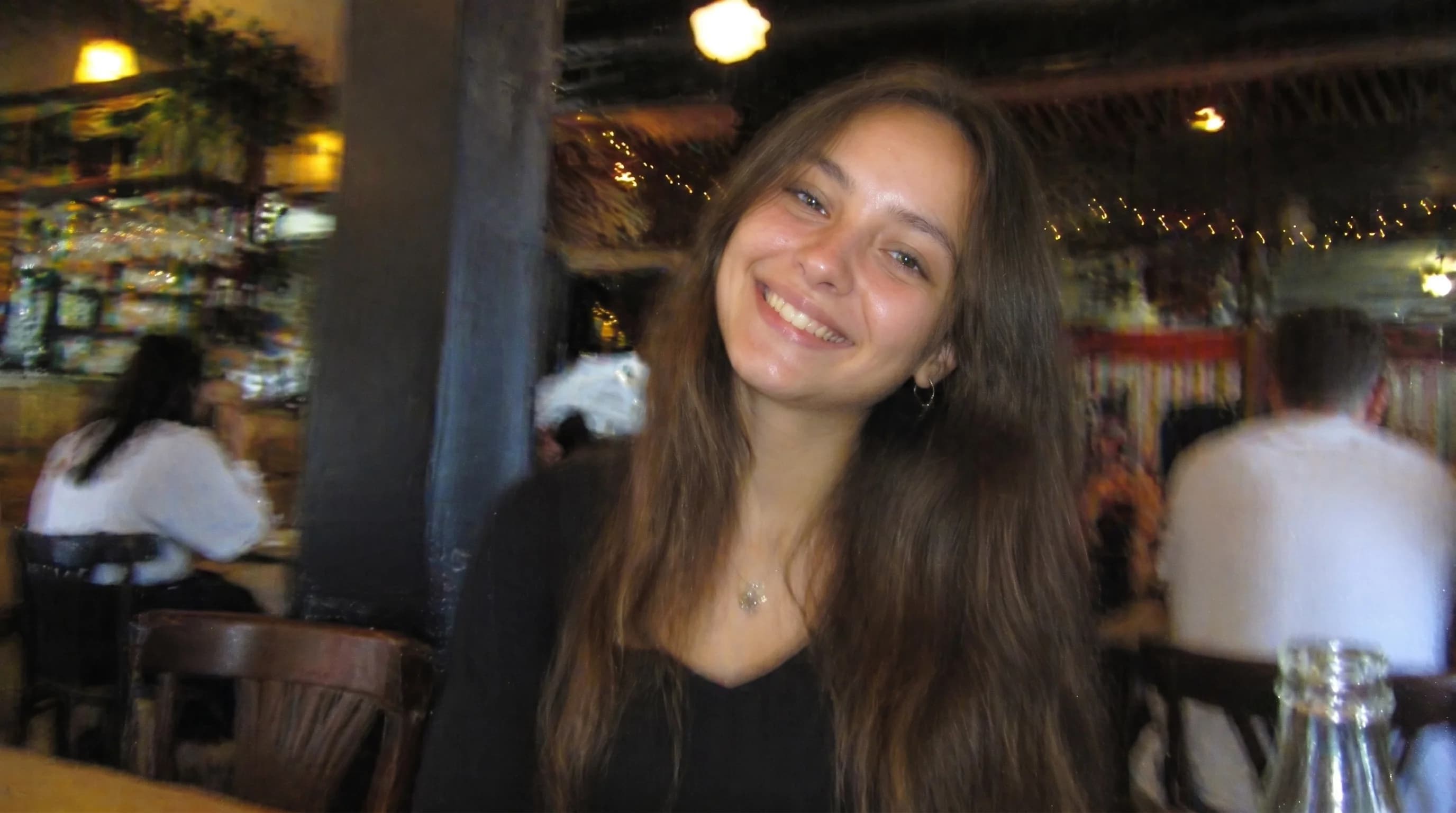
Soft scan recovery
Legacy scan with soft focus around hair, clothing, and small facial details
Brought back more readable structure so the image felt clearer but still believable.
Unblur image
What kinds of blur this workflow can realistically improve
An unblur image workflow is most useful when a photo has mild handheld shake, soft focus, or scan softness rather than total destruction. A good sharpen blurry image process should restore edge definition and face clarity without turning eyelashes, skin, and fabric into harsh digital noise.
Fix blurry picture online
How to sharpen blurry image files more naturally
If you want to fix blurry picture online, start with the cleanest version you have before heavy messaging-app compression. That gives the unblur image tool more authentic detail to rebuild and helps the studio produce a cleaner result with less artificial sharpening.
Restore photo FAQ
Questions people ask before they unblur an image.
These questions help set expectations before you sharpen blurry image files inside the studio.
What kind of blur can this help with?
It is designed for moderate softness and blur, not for impossible reconstruction from extreme damage.
Why separate the page from the studio?
The studio keeps processing clean and direct. The SEO page stays available for ranking and explanation.
Related tools
Explore adjacent image workflows without changing the original upload.
Repair cracks, fading, stains, and fragile portrait detail inside one focused photo restoration workspace.
Bring monochrome images back with believable skin tones, fabric color, and scene balance.
Enlarge low-resolution photos while keeping edges, faces, and surface texture more stable.
Recover shadow detail and rebalance muddy scans or dark captures inside one clean workbench.
Reduce visible pixel blocks and compression damage while keeping the upload flow direct.
Open more room around the subject and extend the frame inside the same studio workbench.