Image Upscaler
Increase image resolution with a cleaner upscale workflow built for soft scans, portraits, and detail recovery.
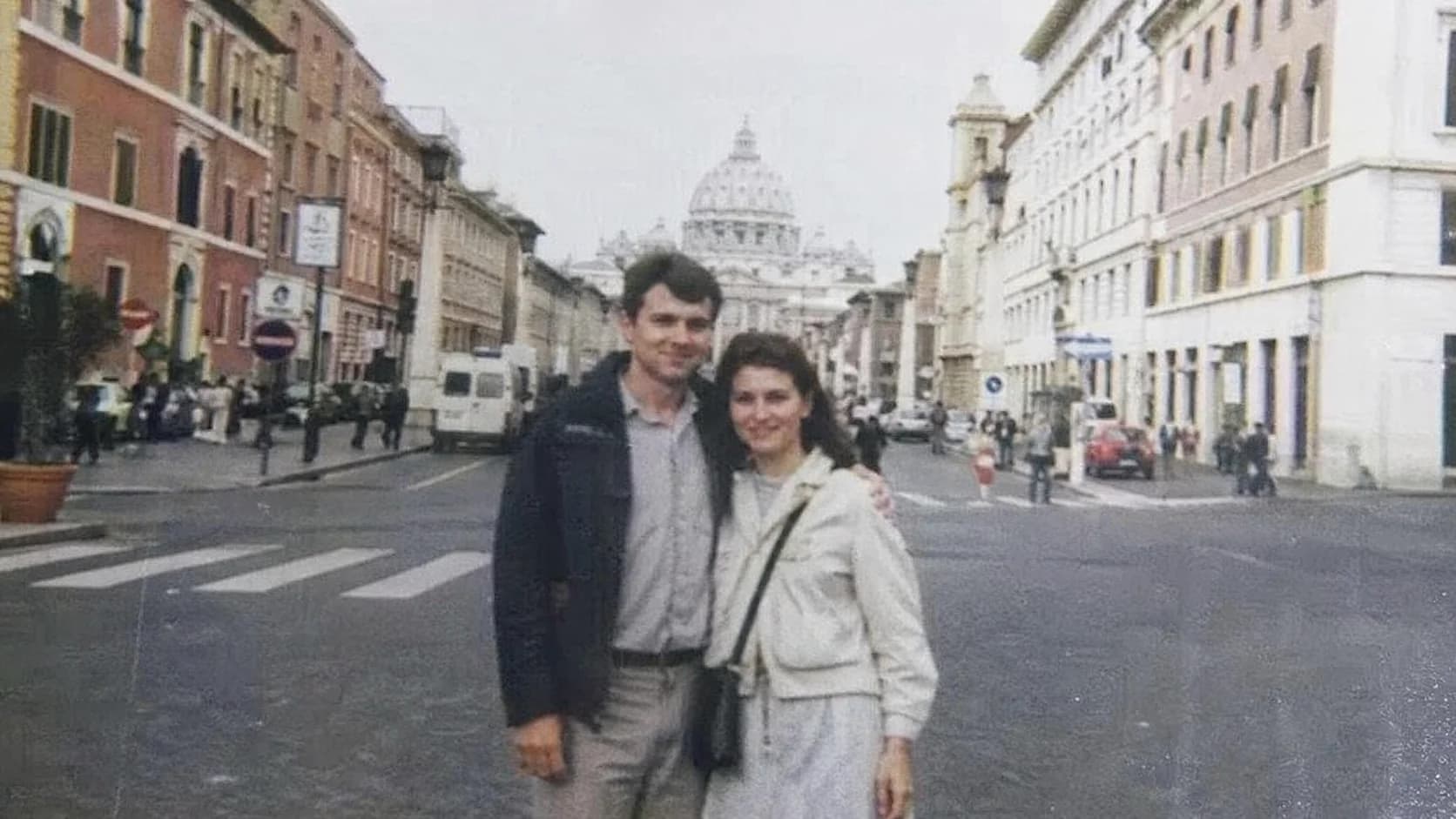
Before / After


Resolution Lift
Enlarge low-resolution photos while keeping edges, faces, and surface texture more stable.
Increase image resolution with a cleaner upscale workflow built for soft scans, portraits, and detail recovery.
Targets resolution gain without the plastic AI look common in cheap upscalers.
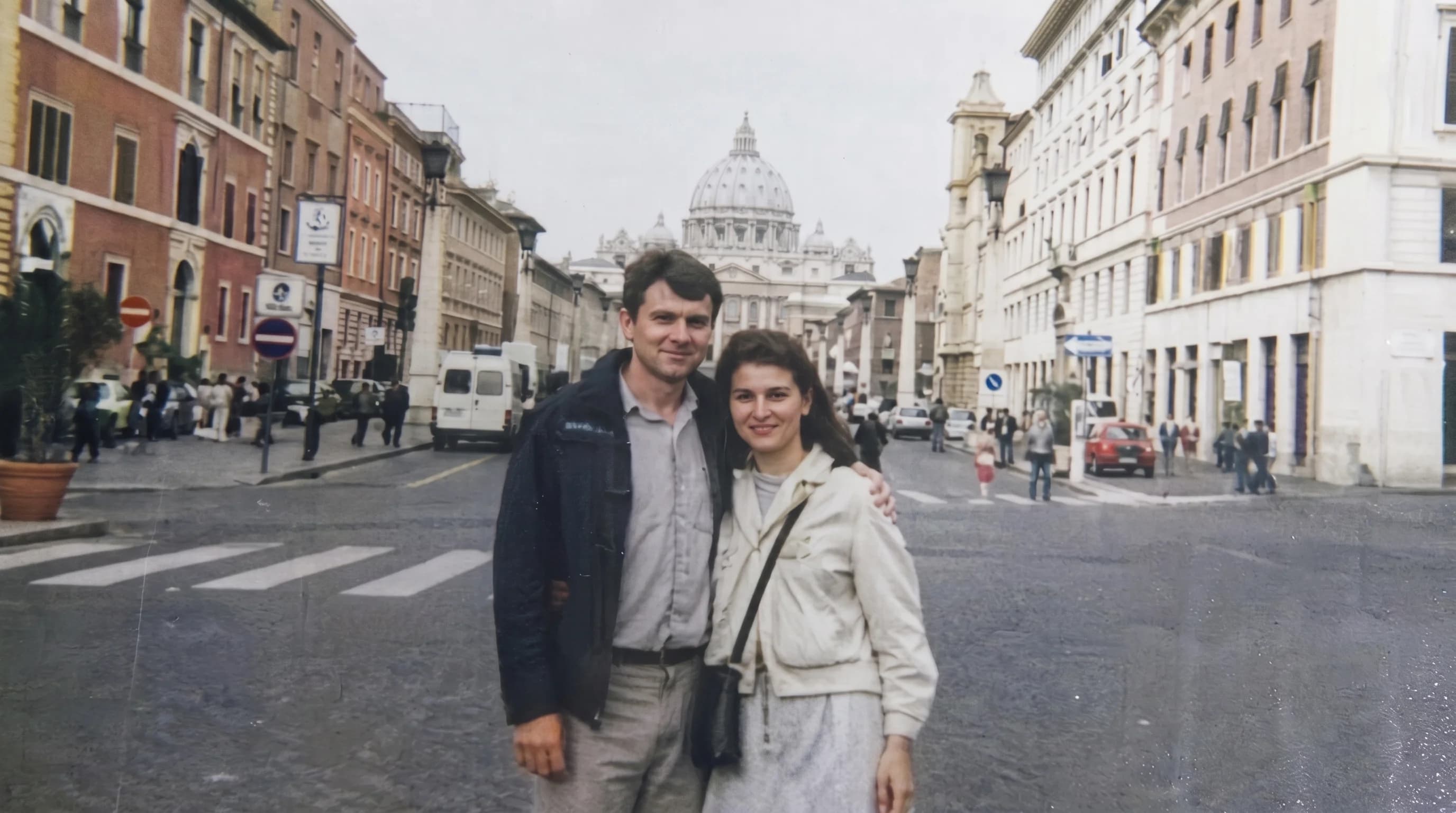
Keeps the workbench identical to the restoration flow so users do not relearn it.
Useful for prints, ecommerce assets, and low-resolution inherited scans.
Case studies
Upscale photo examples that focus on cleaner detail, not plastic texture.
Portrait reprint upscale
Low-resolution inherited portrait that needed to hold up for a larger reprint
Lifted edge clarity and facial definition without turning skin and hair into glossy artifacts.
Ecommerce detail lift
Small product image with weak detail in fabric seams and object edges
Increased image resolution while keeping materials readable and shapes stable.
Yearbook scan enlargement
Soft yearbook scan that looked too small and muddy for modern reuse
Added cleaner structure so the photo could be reused with more confidence in digital layouts.
Image upscaler
What a good upscale photo online workflow should preserve
A strong image upscaler does more than stretch pixels. It should increase image resolution while keeping faces, printed texture, and edge transitions believable, especially when you need to upscale photo files that started as old scans or inherited low-resolution images.
Upscale photo online
How to increase image resolution without fake-looking texture
If you plan to upscale photo files online, cleaner scans and less compressed originals will usually hold up better. That gives the image upscaler more real structure to work from, and helps the studio produce sharper detail without the brittle plastic look common in cheap enlargers.
Restore photo FAQ
Questions people ask before they upscale a photo.
These are the common questions people ask before they increase image resolution or prepare a file for print.
Is this for low-resolution images?
Yes. This mode is for enlarging a photo while keeping edges and texture more believable.
Do I still upload on this page?
The SEO page explains the use cases. The actual file handling stays inside the shared studio.
Related tools
Explore adjacent image workflows without changing the original upload.
Repair cracks, fading, stains, and fragile portrait detail inside one focused photo restoration workspace.
Bring monochrome images back with believable skin tones, fabric color, and scene balance.
Recover edge definition and facial clarity from soft or mildly blurry photos.
Recover shadow detail and rebalance muddy scans or dark captures inside one clean workbench.
Reduce visible pixel blocks and compression damage while keeping the upload flow direct.
Open more room around the subject and extend the frame inside the same studio workbench.